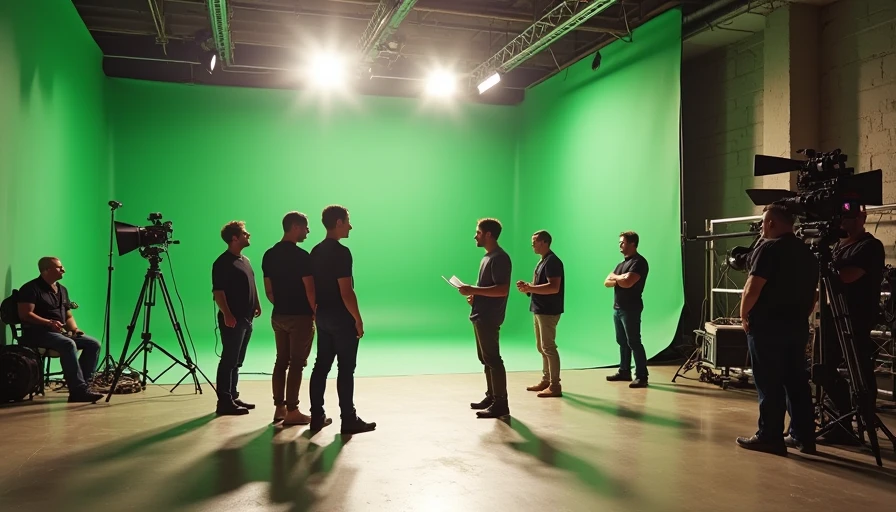
The simplest cinematic definition is a visual moment that feels deliberately shaped for story, emotion, and attention. It does not mean adding black bars, slowing every shot, or applying a teal-and-orange LUT. A phone video can feel cinematic, while an expensive camera setup can produce flat, forgettable footage. For independent filmmakers and AI video creators, the useful question is not whether a clip looks expensive. It is whether every visual choice helps the viewer feel something and understand where the story is going.
I think of cinematic language as a chain of decisions. Framing directs the eye. Light creates mood. Camera movement reveals information. Production design establishes place. Editing controls time. Sound gives the image weight. When those choices support one another, even a simple shot of someone entering a kitchen can carry tension, loneliness, or relief.
The practical cinematic definition for creators
In production, “cinematic” describes images that use visual storytelling with intention rather than merely recording an event. A cinematic shot usually has a clear subject, a controlled relationship between foreground and background, purposeful light, and movement that adds meaning. It may also use shallow depth of field, wider aspect ratios, naturalistic color, or carefully chosen lenses, but none of those ingredients works automatically.
Consider two versions of a night street scene. In the first, the camera wanders, storefronts compete for attention, and the exposure changes whenever a car passes. In the second, the frame holds on a person beneath a practical streetlamp while headlights drift through the background. The second version communicates isolation before the subject speaks. That difference is the heart of the cinematic definition: the image has a visual point of view.
This also explains why AI-generated video can look cinematic in a demo but fail in an edit. A five-second clip may have attractive rain, lens flare, and camera movement. If the subject changes clothing, the architecture bends, or the motion does not lead into the next shot, the visual polish becomes decoration instead of storytelling.
Composition, lens choice, and visual hierarchy
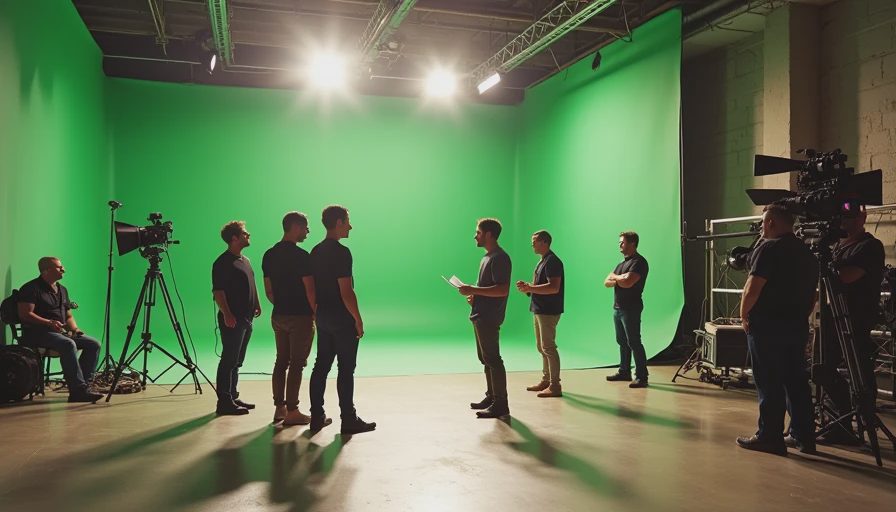
Composition is often the fastest way to make a shot feel intentional. Start by deciding what the viewer should notice first. Use leading lines, negative space, symmetry, depth, or an off-center subject to create a visual hierarchy. A character placed near the edge of the frame can feel trapped or expectant. A centered subject can feel powerful, artificial, or emotionally exposed depending on the surrounding space.
Lens choice changes the emotional relationship between the audience and the subject. A wide lens placed close to a face exaggerates space and can create nervous energy. A longer lens compresses distance and can make a background feel crowded behind a character. You do not need a cinema camera to apply this principle. A smartphone’s main lens, used from a deliberate distance, often produces a more coherent result than a dramatic digital effect.
For AI prompts, describe the composition rather than stacking vague adjectives. “Medium close-up, subject isolated on the right third, empty hallway receding behind them, soft window light from camera left” gives a generator usable direction. “Make it cinematic” gives the tool almost nothing to solve. The cinematic definition becomes practical when you translate taste into visible decisions.
Light, color, and texture that support the story
Lighting is not just about making a subject visible. It tells the audience when and where the scene exists, while shaping emotional temperature. A hard beam through blinds can suggest a private room, interrogation, or harsh morning. Large, soft light can make a face feel open and approachable. A motivated source, such as a lamp or window, helps the image feel believable even when the lighting is carefully arranged.
Color works in the same way. Warm practical lights against cool window light can separate a character from the world outside. Muted colors can support grief or fatigue, while controlled saturation can make a fantasy setting feel heightened. The goal is not to force every project into the same orange-and-blue style. The useful cinematic definition is color with a reason behind it.
AI video tools often produce attractive texture but inconsistent lighting. A face may brighten between frames, or shadows may move without a source. Before accepting a generated shot, watch it without music. If the mood depends entirely on a soundtrack and the light has no logic, the shot needs another pass. Try specifying time of day, source direction, softness, contrast, and the materials in the environment.
Camera movement and editing are part of the look
A moving camera should reveal, follow, contrast, or intensify something. A slow push toward a character can build recognition or dread. A handheld move can place the viewer inside uncertainty. A locked-off frame can make a small gesture feel unusually important. Movement without a narrative job is often the quickest way to make footage feel like a demo reel.
Editing completes the cinematic definition because a shot only gains meaning beside other shots. A close-up after a wide frame changes scale and intimacy. A cut on movement can hide a transition and preserve energy. Holding one beat longer than expected can create discomfort. Even a beautiful AI clip is only raw material until it connects to an opening, a reaction, and a destination.
When testing generated footage, build a rough sequence instead of judging isolated clips. Place the establishing shot, the action, and the reaction on a timeline. Check whether eyelines match, whether screen direction stays consistent, and whether the subject’s hands remain usable across cuts. The demo looks good. Now let’s see if it survives the edit.
How to use the cinematic definition in an AI workflow
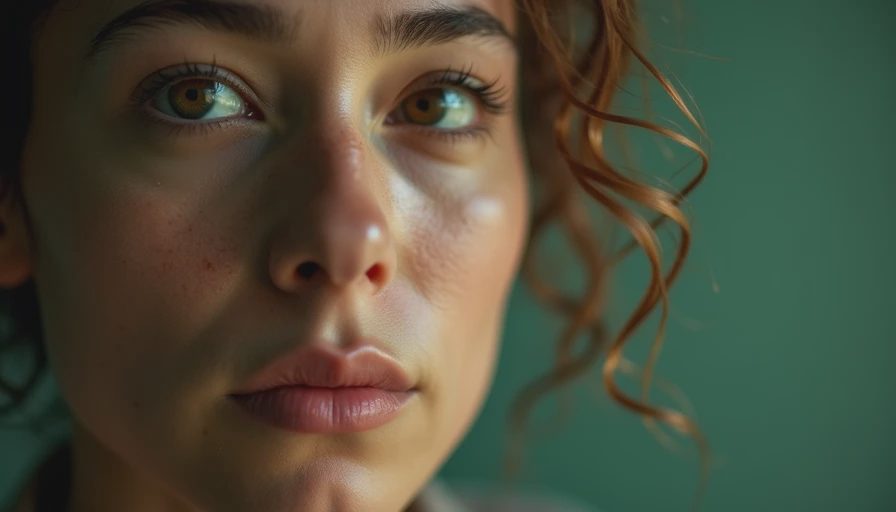
Begin with story intent, not a visual reference. Write one sentence explaining what the audience should feel or learn. Then define the subject, setting, time, light source, lens perspective, composition, movement, and duration. Generate a restrained shot first. A stable medium shot is easier to evaluate than a complicated crane move with five characters and reflective surfaces.
For example, a prompt might describe a tired editor alone at a Minneapolis workstation before sunrise, medium-wide framing, cool window light, one warm desk lamp, shallow but controlled depth of field, and a slow lateral camera move. That cinematic definition gives the model a coherent assignment. If the result fails, you can identify the problem: weak composition, incorrect light, distracting motion, or continuity.
Make revisions one variable at a time. If the subject’s face changes, reduce motion and simplify the background. If the camera feels weightless, replace “epic tracking shot” with a specific direction, speed, and starting position. If the image looks glossy but emotionally empty, rewrite the action around a choice or reaction. AI speeds up iteration, but it does not decide what the shot means.
A quick test before calling a shot cinematic
Watch the clip with the sound off and ask what information reaches you first. Then ask whether the frame has a clear subject, whether the light appears motivated, whether movement changes your understanding, and whether the final moment creates a useful cut point. Check continuity at the beginning and end, especially hands, faces, props, clothing, and background geometry.
A strong shot should also earn its place in the project. Can it establish location, reveal character, create anticipation, or connect two moments? If it only displays attractive atmosphere, save it as a visual experiment rather than forcing it into the edit. This is where the tool helps—and where it quietly hands the problem back to you.
The most useful cinematic definition is therefore not a checklist of expensive equipment or fashionable effects. It is a commitment to intentional visual storytelling. Use AI for exploration, variations, storyboards, and selected production elements. Keep human judgment in the loop for performance, continuity, ethics, and final assembly. A good shot is not just generated. It is chosen.