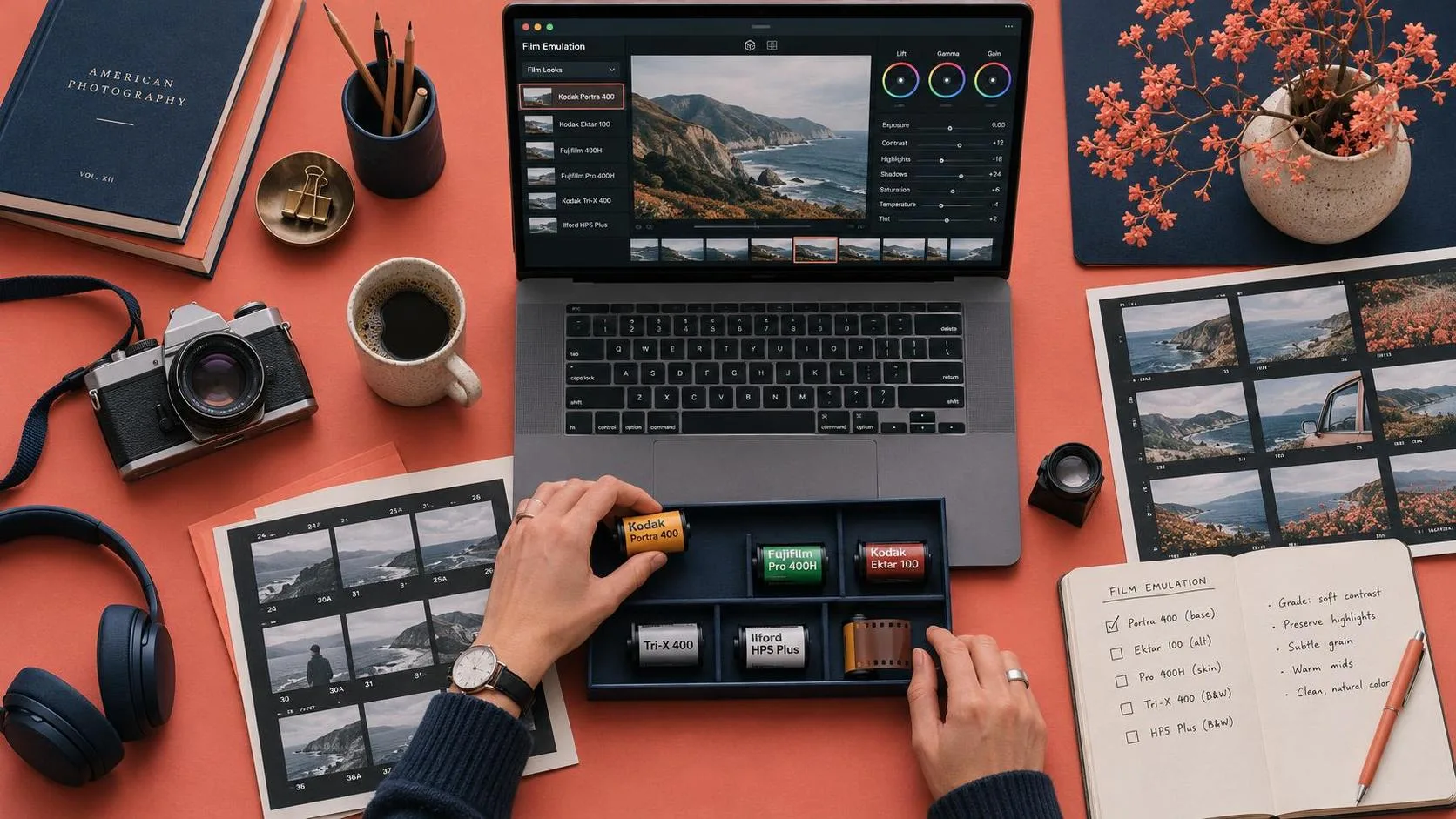
Most conversations about AI video are about replacing production. Generate the final footage. Skip the camera. Ship the film.
That's not what I use it for. For client work, I use AI to previsualize — to build a complete, playable version of the film before anyone touches a camera. Not a storyboard. Not a mood board. A rough cut with actual camera movement, actual pacing, actual continuity, that the director, the DP, and the client can watch and react to.
This is the workflow I've settled into after a year of testing. It's not the cheapest possible AI workflow, and it's not the fastest. It's the one that consistently produces a previs package that survives contact with a real shoot — because the decisions it forces you to make are the right ones.
Why Previs in AI Is Different
Traditional previsualization runs $5,000 to $50,000+ over 2 to 6 weeks before a single production dollar is spent. A previs team builds rough versions of key sequences, the director iterates, and the approved plan gets handed to the crew.
The defining property of traditional previs is that its output is disposable. The animatic never appears in the film. The boards are reference material for the people who will execute the real shots. Previs exists to de-risk a shoot — planning, separated from production by design.
That separation is what changes in AI filmmaking.
In AI production, the previs artifacts are direct inputs to the pipeline. The storyboard frame you approve becomes the literal first frame a video model animates. The character sheet you lock becomes the reference image attached to every shot that character appears in. The shot list you build becomes the generation queue.
This has three practical consequences that reshape the entire pre-production workflow:
Frame quality is footage quality. Because the approved frame is animated directly, the standard you hold your boards to is the standard your final footage inherits. Frames-first, then video, is the correct production order.
Previs decisions become machine-readable. A treatment document, a character sheet, and a shot breakdown are no longer documents a crew interprets — they are context an agent holds and applies to every generation.
Previs is continuous, not a locked phase. Iterating a frame costs cents, so you keep planning all the way through production instead of freezing a board weeks before the shoot.
The payoff is measurable. In one documented 5-day production sprint, three people and one agent locked the entire pre-production package — cast, costumes, look and feel, and world images — in a single day, and had 45 seconds of finished film on the timeline by the end of day 2.
The Pipeline: Script → Look → Cast → Locations → Animatic
My workflow runs in five stages. Each stage inherits context from the previous one. The order matters.
Stage 1: Load the Script and Answer the Foundational Questions
Upload the full screenplay so the AI holds characters, arcs, and themes before visualizing anything. This is not a prompt. It's context loading.
Then have the agent surface its pre-production questions — what each character looks like, key props, deliverable format — and answer them before generating a single asset. Those answers change every frame that follows.
The questions I get asked most often:
Character appearance: Not "what does she look like" but the locked descriptor block — age, build, hair, skin, wardrobe, distinguishing features. The same block goes into every prompt, verbatim.
Key props: What objects matter enough that they need to be locked as reference assets?
Location type: Interior or exterior? Real or constructed? Day or night?
Deliverable format: Aspect ratio, resolution, runtime. These determine how every frame is composed.
The value of this step is not the answers themselves. It's that you have to give the answers before you generate. A script alone doesn't force you to define what the character looks like. Loading it into an agent does.
Stage 2: Lock Look and Feel With Reference Batches and Image Grids
This is the step that separates a previs package from a pile of clips.
Pull visual references mapped to specific sequences rather than one general mood board. Batch them by theme — spatial logic, color theory, key set ideas — and tell the agent explicitly what to take from each batch and what to ignore.
Then generate image grids instead of single frames. One workflow requested 3 grid options per round, iterated on the grids, and extracted the strongest panels as continuity anchors for all later previz.
Image generation is cheap relative to a scout day. Optionality costs almost nothing. I generate 9-frame grids (3×3) per sequence, pick the strongest panels, and lock them as the visual anchor for everything downstream.
The output of this stage is a style block: a short text description of the visual rules that applies to every shot.
Style block: Warm dusk light, soft contrast, 35mm feel, muted greens and ambers, gentle grain, shallow depth of field on close-ups, deep focus on wides.
This block gets pasted verbatim into every prompt. It tells the model what the film looks like, so the shot-specific prompts can focus on what the shot does.
Stage 3: Previsualize Cast, Costume, and Props

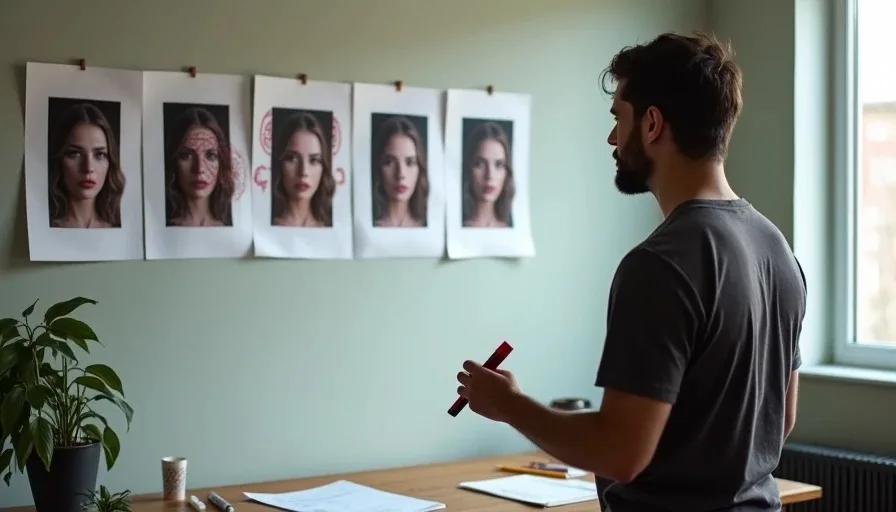
Generate character portrait options as casting comps. Recraft produces faces with pores, lines, and stubble that read as real people. Nano Banana handles multi-angle character sheets.
For costumes, direct by mood when you don't have an exact spec: describe the feel of the character and select from the options that come back. Run the same pass on hero props so the art department sees what the director sees.
The character sheet is not optional. It's the single highest-leverage asset in the entire previs package. I generate a multi-angle turnaround — front, side, three-quarter, plus a close-up — and lock it as the canonical reference. Every generation that includes the character attaches this sheet.
The documented cost of locking a character is about $9.78 in generations — roughly five attempts. That $9.78 is cheap relative to the alternative. Character drift forces whole-scene regeneration. A single consistency failure at the sheet stage can cost 10–15 generations downstream.
Stage 4: Scout Locations Digitally
Have the agent pull real-world landmark and location images from the internet as location plates. Pick the frames that match your intended shoot. These plates double as lighting and palette references when you previsualize shots set there.
For a real shoot, this is not a replacement for a physical scout. It's a way to prepare for a physical scout. I arrive on location already knowing what the frame needs to look like, what light direction works, and what the background needs to contribute. The scout becomes a confirmation rather than a discovery.
The location plate becomes another locked reference asset. Every shot in that location attaches the plate alongside the character sheet.
Stage 5: Turn Storyboard Frames into Rough Animatic Clips
Generate key frames first, approve them, then animate them. Multi-shot video models mean you no longer need to board every individual frame — a single storyboard frame can drive a 15-second multi-shot sequence.
The animatic is the deliverable. It's a rough cut with actual camera movement, actual pacing, and actual continuity. The director watches it. The DP watches it. The client watches it. Feedback happens on the animatic, not on the shoot day.
Model routing for the animatic:
Kling 3.0 generates multi-shot sequences natively. It moves AI video from "cool one-off clips" to an AI directing system that plans and executes short, cinematic sequences end to end.
Seedance 2.0 reference-to-video carries character and location context across clips so the animatic stays continuous.
Runway Gen-4.5 handles polished single-shot motion with precise camera choreography. You can specify detailed camera choreography, intricate scene compositions, and precise timing of events within a single prompt.
For a five-shot sequence, Kling handles multi-shot beats, Seedance carries continuity across cuts, and Runway handles the shots where camera movement is the point.
The Five Previz Workflows, Ranked
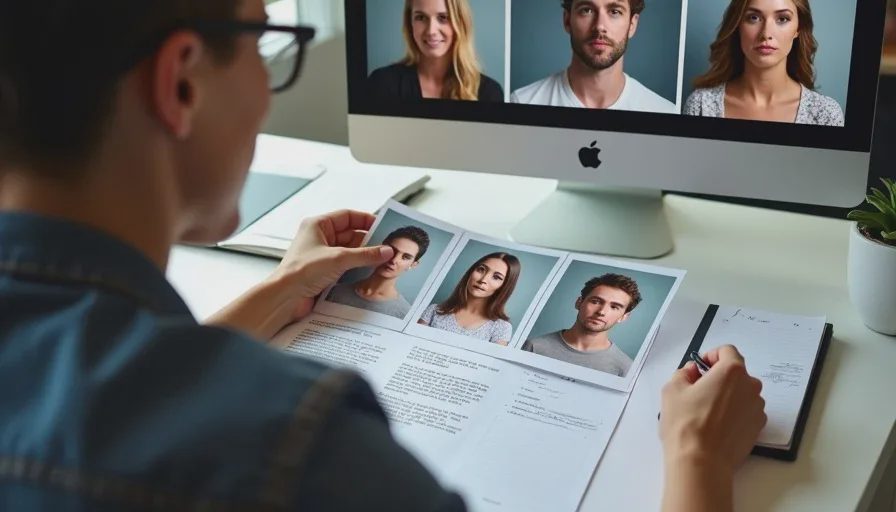
Not every project needs the same level of previz. The right workflow depends on what stage you're at and what accuracy you need.
# | Workflow | Speed | Accuracy | Cost/min | Best for |
|---|---|---|---|---|---|
1 | Shot breakdown → video | 9/10 | 4/10 | ~$150 | Comparing camera treatments in the exploratory stage |
2 | Locked reference frame → video | 7.5/10 | 6/10 | $150–175 | Consistent look once character, location, and palette are locked |
3 | Storyboard sketch → video | 5/10 | 7/10 | $150–175 | Rarely — marginal accuracy gain for more effort |
4 | Storyboard → images → video | 8/10 | 8.5/10 | $175–200 | Directors and agencies — the sweet spot |
5 | Arrow-annotated camera movement | 6/10 | 9.5/10 | $1,500–2,000 | Exact camera direction; previz that plays like the finished film |
The first three workflows sit in the same $150–175/min cost bracket, so their accuracy differences cost you time, not money. Workflow 4 buys the largest accuracy jump for the smallest cost increase. Workflow 5 costs roughly 10x Workflow 4 in exchange for the highest accuracy of the five.
For most projects, Workflow 4 is the sweet spot. Convert your storyboard into photorealistic frames first, hand-pick the frames you like, compile them into a locked grid, then animate with Seedance 2.0. The frames come back looking close to first frames of the actual film.
The Cost Benchmarks
Traditional previs runs $5,000 to $50,000+ over 2 to 6 weeks. Traditional boardomatics alone run $5,000–$10,000 and take 2–3 weeks to produce.
AI previz compresses that to minutes per pass at $150–200 per finished minute for four of the five workflows — which changes previz from a line item you ration to a step you iterate.
Here's what documented AI productions actually cost:
Production | Length | Credits | Cost |
|---|---|---|---|
70-second short film | 70 sec | 3,000 | $750 |
90-second horror short | 90 sec | 4,100 | $870 |
2-minute brand promo | 120 sec | 6,000–6,500 | $1,500 |
3-minute animated episode | 180 sec | — | $950 |
The range works out to $315–$750 per finished minute. Video generation credits account for 70–85% of the spend. Scripting, storyboarding, and image generation are near-zero line items.
The number that actually drives your budget is the iteration multiplier, not the runtime. One documented animated episode generated 164 clips and used 41 in the final cut — a 25% selection rate — with an average of 3 generations per usable shot and only about 5 seconds kept from each 15-second clip.
Plan credits for 3–5x the footage that ends up on your timeline. Overgeneration is a deliberate budget line, not waste.
What AI Previz Actually Delivers
Here's what the workflow produces, in practical terms.
A locked visual package. Style block, character sheets, location plates, and palette references — all as machine-readable assets the generation pipeline inherits automatically.
A playable animatic. The board cut together in sequence at intended timing, with camera movement and pacing. The director watches the film before anyone commits to a shoot day.
A shot list that is also a generation queue. Every shot has a job, a technical specification, and an intent note. The shot list tells you what each frame needs to accomplish. The animatic shows you what it looks like.
A record of decisions. Every frame in the animatic is a choice you made. The model generated. You chose. That record is what the shoot inherits.
What It Doesn't Deliver
AI previz is not a replacement for a real shoot. It's a preparation for one.
It doesn't predict lighting. The AI's light is a beautiful average. It tells you what light you want, not what light you'll get. A real scout still matters.
It doesn't replace the director's judgment. The animatic makes decisions visible. It doesn't make them for you. Approximately one-third of AI-generated sequence recommendations in one study required revision due to mechanical transitions and disregard for atmospheric continuity. The director's aesthetic judgment remained indispensable.
It doesn't eliminate reshoots. It reduces them. A documented AI-assisted set design workflow achieved a ~40% reduction in approval times and saved ~20% on physical rework costs. Another platform reported up to 70% fewer rework cycles. Those are real savings. They're not a guarantee.
The Pitfalls
Over-prompting. Conflicting visual directions — "cinematic, hyper-detailed, sketchy, smooth" — confuse the model's weight distribution. The result is mush. Use subtraction: fewer, more specific, non-contradictory instructions.
Skipping the character sheet. The $9.78 you spend locking a character is a savings, not a cost. Skipping it costs 10–15 generations downstream.
Treating the animatic as disposable. In AI production, the animatic frames become the first frames of the final footage. The standard you hold your boards to is the standard your film inherits.
Generating video before the frame is approved. Spend on images before video. Image generation costs little. Iterate with image grids until frames are approved, then commit video credits only to approved frames.
The Deeper Point
The most important change in AI previsualization isn't speed or cost. It's that the gap between planning and production has collapsed.
Sean Cushing, executive producer at Cantina Creative, put it this way: "The gap between previs and the final pixel that would be in a movie theatre is closing, and with this AI model and this workflow, the previs quality goes up to such a level filmmakers are able to make very informed creative decisions".
The previs is not a rough sketch of the film. It's a draft. A real, watchable, cuttable draft that you can react to, revise, and approve — before anyone books a location, hires a crew, or rents a camera.
That's what I use AI for before a real shoot. Not to replace the shoot. To make sure the shoot is the one I actually want.
A good shot is not just generated. It is chosen. And a good previs is not just a plan. It's the first cut of the film.
Frequently Asked Questions
What is AI previsualization and how is it different from traditional previs?
AI previsualization collapses planning and production into one continuous loop. In traditional previs, the animatic is disposable — it's reference material for a crew. In AI production, the approved storyboard frame becomes the literal first frame a video model animates. The previs artifacts are direct inputs to the generation pipeline, not references.
How much does AI previsualization cost compared to traditional previs?
Traditional previs runs $5,000 to $50,000+ over 2 to 6 weeks. AI previz runs $150–$200 per finished minute for most workflows, with documented AI productions finishing end-to-end in 2 to 5 days at $315–$750 per finished minute. The cost difference is roughly 10–100x depending on complexity.
Which AI previz workflow should I use?
Match the workflow to your production stage. Shot-breakdown-to-video (9/10 speed, 4/10 accuracy, ~$150/min) for exploring treatments. Storyboard-to-images-to-video (8/10 speed, 8.5/10 accuracy, $175–200/min) is the sweet spot for most directors. Arrow-annotated camera movement (9.5/10 accuracy, $1,500–2,000/min) is for exact camera direction on near-final sequences.
Do I need a character sheet for previsualization?
Yes. The character sheet is the single highest-leverage asset in the previs package. It costs about $9.78 to lock — roughly 5 generations. Skipping it costs 10–15 generations downstream when character drift forces whole-scene regeneration.
How many generations does AI previz require?
Expect 3–5x overgeneration relative to your finished runtime. One documented production generated 164 clips and used 41 — a 25% selection rate, with an average of 3 generations per usable shot. Budget for the overgeneration. It's a deliberate cost line, not waste.