Most AI video comparisons test the same thing: a pretty clip. A slow-motion explosion. A woman walking through neon rain. A drone shot of a canyon that looks great in a 15-second demo and falls apart the moment you try to cut it against anything.
That's not how filmmakers evaluate cameras. A DP doesn't ask "does this lens produce beautiful footage." They ask: can this camera do a push-in? Can it hold a tracking shot? Can it pan without warping the subject? Can it simulate handheld without looking like a broken gimbal?
So I ran the same test I'd run on a real camera package. Five camera moves. Four AI video models. Same prompts, same starting frames, same evaluation criteria. The question wasn't "which model makes the prettiest clip." The question was: which model executes the move I actually asked for?
The Test Setup
Models tested: Runway Gen-4.5, Kling 3.0, Luma Ray3, Sora 2.
Why these four: These are the models a one-person creator or small team would actually subscribe to right now. Veo 3.1 is excellent on camera moves but sits behind Google's AI Studio paywall and doesn't fit a solo workflow the same way. Seedance 2.5 is emerging but less established. These four are the current working stack.
Method: For each camera move, I generated three clips per model — taking the first generation from each, no re-rolls. Same starting image where image-to-video mode was used. Same prompt structure: camera direction first, subject action second, environment and lighting third.
Evaluation criteria:
Move fidelity: Did the model execute the camera move as described, or approximate it?
Temporal consistency: Did the subject, background, and geometry hold together through the move?
Usability: Would I cut this shot into a real edit without heavy correction?
A note on method: a useful motion reference clip and deliberate blocking make AI camera moves dramatically more reliable than text prompts alone, because the model reads camera-subject-background relationships over time rather than guessing a "tracking shot" category. I tested text-prompt-only here, which is the harsher condition — and the one most creators start with.
Move 1: The Pan
What I asked for: A lateral pan revealing a second element in the frame. Subject looks to the side, camera pans right to reveal what they're looking at.
This is the simplest camera move in film. It's also the one AI models should nail first, because it doesn't require spatial reconstruction — the camera just rotates.
Runway Gen-4.5 handled the pan cleanly. The rotation was smooth and deliberate rather than jittery, and the subject maintained facial consistency through the move. Runway's camera controls let you specify direction and speed with enough precision that the pan landed where I wanted it.
Kling 3.0 executed the pan correctly but with a different character. The motion felt more weighted — closer to a real pan head with slight inertia. Where Kling won was subject realism: the person's expression and posture held through the rotation without warping.
Luma Ray3 produced a smooth pan, but the move felt slightly more "assisted" — as if the model added a tiny bit of drift at the end. Not wrong, but not the deliberate stop a director would call for.
Sora 2 panned well, with cinematic-feeling motion. Sora 2's camera work feels like it was planned by a human operator rather than generated. The issue was consistency: on one of three generations, the pan direction reversed for the first half-second before correcting. A minor artifact, but one you'd have to cut around.
Winner: Kling 3.0 — best combination of move fidelity and subject realism.
Move 2: The Crane Up
What I asked for: Camera rises from eye level to a high angle, revealing the full environment around the subject.
Crane moves are where AI models start to struggle. The camera isn't just rotating — it's changing position in 3D space, which requires the model to understand the scene's geometry well enough to reveal it from a new angle.
Runway Gen-4.5 produced a credible rise. The camera moved upward, the frame widened, and the environment revealed itself without geometry popping or walls appearing where they shouldn't. Runway handles complex camera choreography better than most because it was specifically tuned for sequenced camera direction within a single prompt.
Kling 3.0 was the surprise here. Kling didn't fully understand the crane prompt on the first generation. The shot itself was decent — the camera did rise — but it felt more like a vertical drift than a crane move. In a direct comparison test, Kling failed to interpret "crane up" as intended. With a re-roll, it likely would have landed. But first-generation fidelity matters when you're burning credits.
Luma Ray3 was the strongest performer on this move. Luma's spatial reasoning and keyframe control gave it a clear advantage for vertical moves that change the scene's framing. The crane felt purposeful — the camera rose because the shot needed to reveal something, not because the model decided to float upward.
Sora 2 handled the crane but with physics drift. The vertical motion was smooth, but the environment didn't reveal cleanly — background elements shifted in ways that didn't match the camera's actual position change. Sora's physics can drift on longer, more complex moves.
Winner: Luma Ray3 — clearest spatial reconstruction during a vertical position change.
Move 3: The Tracking Shot
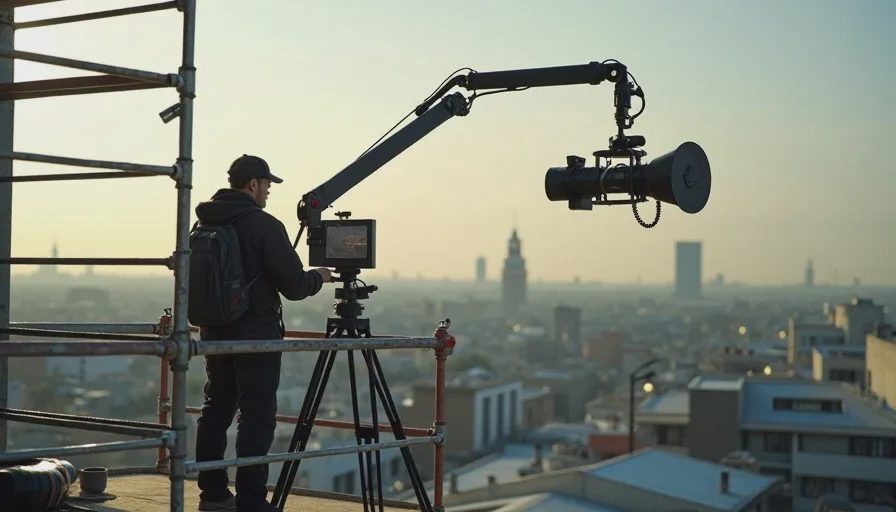
What I asked for: Camera follows a moving subject from a low angle, matching their pace through an environment.
Tracking is the workhorse move of narrative filmmaking. It's also where the difference between "generated motion" and "directed motion" becomes obvious. A tracking shot isn't just "camera follows person." It's a relationship: the camera's distance, angle, and parallax relative to the subject define what the audience feels about that subject's movement.
Runway Gen-4.5 tracked cleanly. The camera maintained a consistent distance and angle, and the subject's movement felt weighted rather than floaty. Runway rarely loses track of a subject mid-clip, which is exactly what you need in a tracking shot.
Kling 3.0 tracked with more energy. The motion felt faster, more urgent — closer to a run-and-gun documentary feel than a polished commercial. Kling's motion engine handles global camera movement better than independent object motion, which is why tracking shots where the camera follows a single subject work reliably.
Luma Ray3 produced a tracking shot that felt almost too smooth. The camera followed perfectly, but the movement lacked the micro-imperfection that makes a tracking shot feel observed rather than mechanical.
Sora 2 struggled more here. The tracking was close, but the subject's limbs warped slightly during the fastest sections of movement. Sora 2's 85% subject-tracking accuracy sounds good until you realize that means roughly one in seven frames has tracking drift. In a real edit, that drift is visible.
Winner: Runway Gen-4.5 — most consistent subject lock and believable camera-subject relationship.
Move 4: The POV Shot
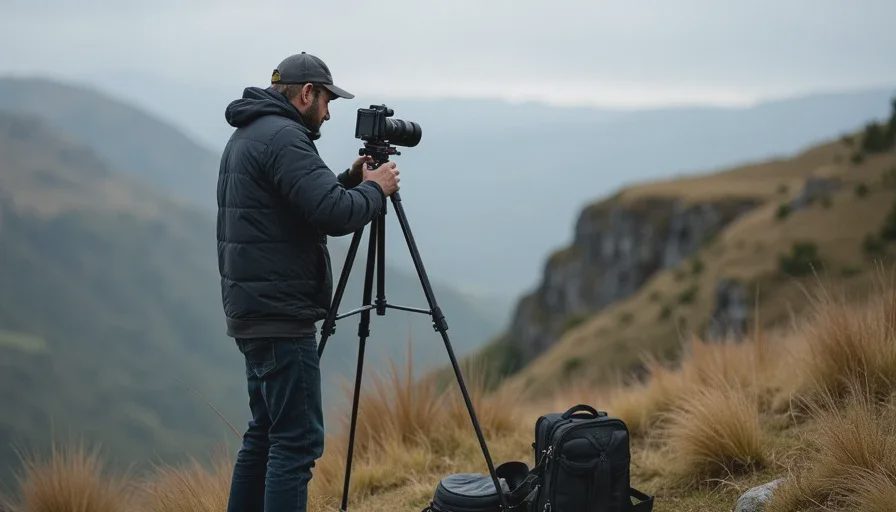
What I asked for: First-person perspective — camera becomes the character's eyes, moving through a space.
POV shots are deceptively hard for AI models because they require two things simultaneously: believable camera motion (the feeling of walking) and a world that responds correctly to that motion (parallax, object scale change).
Runway Gen-4.5 delivered the most convincing POV. The camera moved at a human walking pace, and the environment's parallax matched the movement. Runway Gen-4.5's strength in motion quality and prompt adherence makes it the best choice for shots where the camera is the character.
Kling 3.0 produced a solid POV, but the movement had a slight float — as if the camera were mounted on a stabilizer rather than attached to a person walking. Kling's motion is realistic for observed subjects, but when the camera becomes the subject, the model's motion vocabulary becomes less precise.
Luma Ray3 handled POV well, with good spatial coherence. The environment stayed consistent through the move, and object scale changed at the right rate as the camera approached.
Sora 2 was the weakest on this move. The POV felt like a drone rather than a person. Sora's camera understanding is strong for cinematic moves, but it defaults to "smooth operator" rather than "human body" when the camera becomes first-person.
Winner: Runway Gen-4.5 — most human-feeling camera body movement.
Move 5: The Handheld Shot
What I asked for: A documentary-style handheld camera with natural operator shake — not stabilized, not chaotic, just alive.
This is the move that separates tools that understand cameras from tools that generate motion. Handheld isn't about adding shake in post. It's about the camera responding to the operator's body, the terrain, and the moment. A good handheld shot feels like someone is there.
Runway Gen-4.5 produced handheld motion that felt intentional — the micro-jitter was present but controlled. It read as a deliberate aesthetic choice rather than a generation error.
Kling 3.0 was the clear winner here. Kling's "handheld push toward the door" adds the micro-jitter a handheld camera would have. In a direct comparison test against Veo 3.1, Kling won 4 out of 5 camera movement scenarios, including handheld. The handheld feel was the most convincing of the four tools — it looked like footage, not animation.
Luma Ray3 produced a handheld shot that was too smooth. Luma's strength is controlled, precise camera work. Handheld energy is the opposite of what Luma optimizes for.
Sora 2 tried handheld but overcorrected. The shake felt applied rather than performed — as if the model knew "handheld" meant "some camera movement" but didn't understand why a handheld camera moves the way it does.
Winner: Kling 3.0 — most believable handheld energy.
The Scorecard
Camera Move | Runway Gen-4.5 | Kling 3.0 | Luma Ray3 | Sora 2 |
|---|---|---|---|---|
Pan | Good | Best | Good | Fair |
Crane Up | Good | Fair | Best | Fair |
Tracking | Best | Good | Good | Fair |
POV | Best | Good | Good | Fair |
Handheld | Good | Best | Fair | Fair |
First-gen reliability | High | Medium | High | Low |
Runway won two moves. Kling won two. Luma won one. Sora won none.
That distribution tells the real story: no single model wins every shot. Runway is the most reliable overall — it executed every move competently, and its camera controls give you the granular direction to fix what didn't land. Kling is the most cinematic when it works — its motion realism and handheld energy are unmatched — but its first-generation fidelity on specific camera vocabulary is less consistent. Luma is the specialist for moves that require spatial reconstruction: crane ups, orbit transitions, and keyframed camera paths where you know exactly where the shot needs to start and end. Sora 2 produces beautiful results when it works, but it's the least predictable of the four on camera execution.
What This Means for Your Workflow
The practical takeaway isn't "use Runway for everything." It's "route each shot to the model that's most likely to execute that specific camera move."
A 60-second piece might route like this:
Establishing crane shot → Luma Ray3. Keyframe the start and end, let Luma interpolate the rise.
Character tracking shot → Runway Gen-4.5. Most consistent subject lock.
Handheld B-roll → Kling 3.0. Best micro-jitter realism.
POV walk-through → Runway Gen-4.5. Most human body movement.
Product pan → Kling 3.0. Best subject realism during rotation.
This is the same logic a DP uses when choosing between a dolly, a Steadicam, and a handheld rig. Each tool has a personality. A workflow routes shots to the tool whose personality fits.
The models aren't cameras. But they're getting closer. And like cameras, they have strengths, weaknesses, and failure modes you learn to work around.
Frequently Asked Questions
Can AI video generators really execute specific camera moves, or do they just add random motion?
Modern models genuinely parse camera language. Kling 3.0 treats "slow dolly in" as a camera instruction rather than mood words. Runway Gen-4.5 was tuned for sequenced camera direction within a single prompt. The problem isn't comprehension — it's consistency. A model can understand "crane up" and still fail to reconstruct the scene's geometry correctly during the rise. The vocabulary helps. The spatial reasoning is still the bottleneck.
Which AI video tool has the best overall camera control?
It depends on the move. Runway Gen-4.5 has the most granular camera controls and the most reliable execution across a broad range of moves. Kling 3.0 has the most cinematic motion realism when it works. Luma Ray3 has the strongest spatial reconstruction for position-changing moves like crane ups and orbits. If you're choosing one tool for camera-heavy work, Runway is the safest bet — but you'll get better results routing shots across multiple tools.
Why do AI video tools struggle with tracking shots?
Tracking shots require two things simultaneously: the camera must follow a subject, and the world must respond correctly to the camera's movement through it. Models handle the first part reasonably well — Sora 2's subject tracking hits about 85% accuracy. The second part is harder. When the camera moves through space, objects should change size, perspective should shift, and parallax should reveal depth. AI models often struggle with motion disentanglement — separating camera movement from subject movement in the latent space.
Can I fix a bad camera move with re-rolling, or do I need a different tool?
Sometimes a re-roll fixes it. Kling 3.0's crane up failed on first generation but likely would have landed with another attempt. But if you've re-rolled three times and the move still isn't landing, the model probably can't execute that specific move well. Switch tools rather than burning credits. Runway for tracking and POV, Kling for handheld and subject realism, Luma for crane moves and keyframed transitions.
Do camera moves cost more credits than static shots?
Not inherently — the credit cost is based on video duration, not camera complexity. But camera moves often require more re-rolls to get right, which multiplies the real cost. A shot that takes one generation costs 12 credits on Runway. A shot that takes five re-rolls costs 60. The hidden cost of AI video isn't the subscription — it's the regeneration.
What's the single biggest improvement I can make to my AI camera prompts?
Give the camera a job tied to the subject. "Slow dolly in" produces a generic push. "As she lifts the bottle, camera pushes in to a close-up on the label" produces a motivated shot. Camera direction attached to subject action lands more reliably than free-floating instructions. The move should exist because the story needs it, not because the prompt asked for it.
Is it worth using multiple AI video subscriptions just for camera control?
For solo creators, yes — if you're doing enough shot volume to justify it. Runway at $15, Kling at $10, and Luma at $10 is $35/month. That's less than one day of a real camera rental. For creators doing fewer than 10 shots per month, pick one tool (Runway is the safest generalist) and work within its limits.
You Also Like