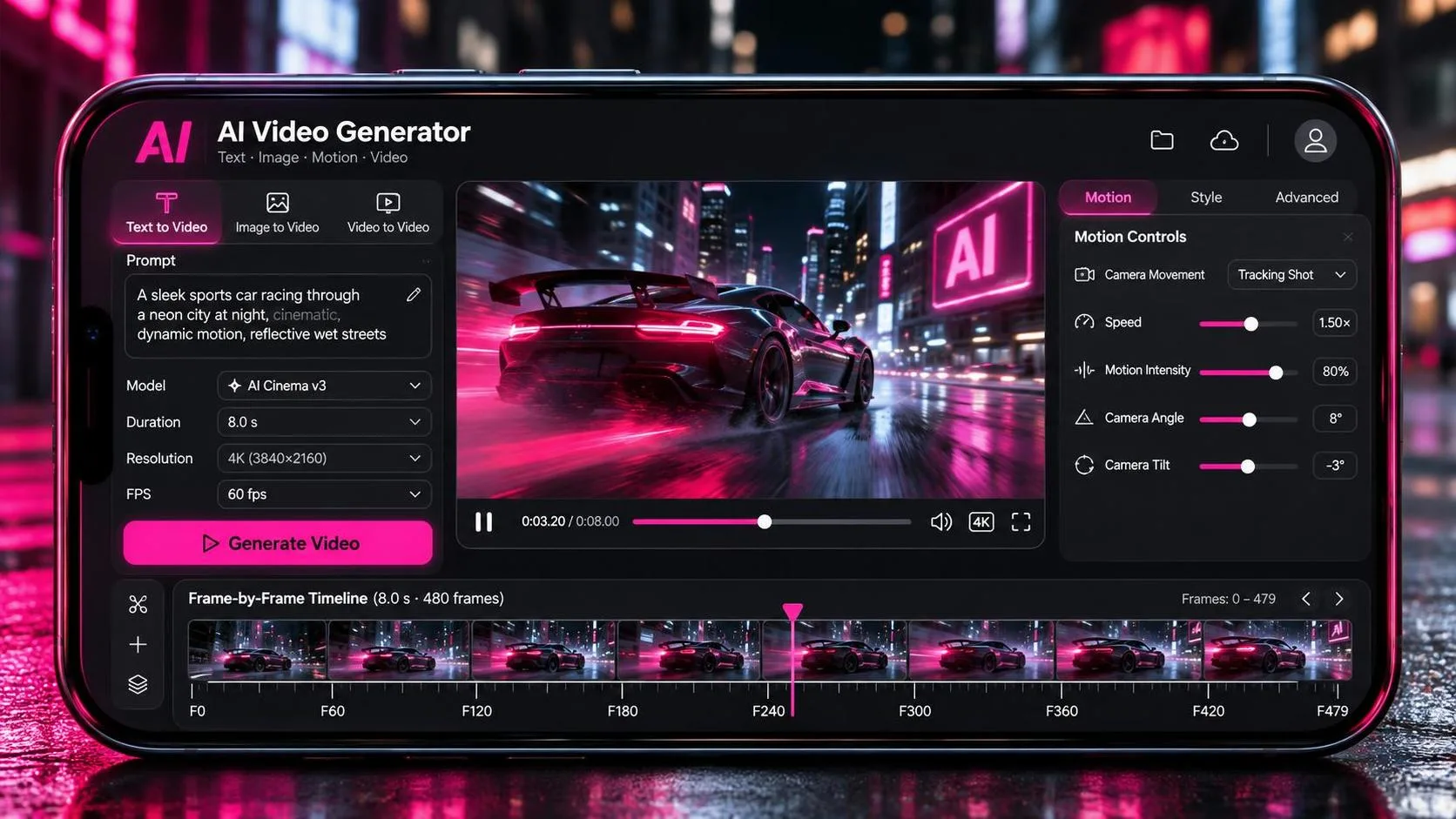
“Which one handles motion best” sounds like a simple question. It isn’t. After running the same six motion tests through Runway Gen-4.5, Kling 3.0, and Luma Ray3, I can tell you the honest answer: they handle different kinds of motion best, and the tool you should pick depends entirely on what kind of movement your shot needs.
This isn’t a cop-out. It’s the same answer a DP would give if you asked whether a Steadicam, a dolly, or a handheld rig “handles motion best.” Each one is the right answer for a different problem.
But you didn’t come here for a philosophical answer. You came here for data. So let me show you what I actually found.
The Test Setup
I generated three clips per motion test per tool — first generation only, no cherry-picking re-rolls. Same prompts, same starting frames where applicable, same evaluation criteria. The six tests cover the motion categories that matter most in real production: full-body human movement, camera motion, physics interactions, facial motion, environmental motion, and complex multi-element movement.
The tools: Runway Gen-4.5 ($15/month Standard), Kling 3.0 ($10/month Standard), Luma Ray3 ($10/month).
The scoring: Each motion test was rated on three axes — realism (does the motion look physically correct?), consistency (does the motion hold together through the clip?), and usability (would I cut this into a real edit without heavy correction?). Scored 1–5 per axis, max 15 per test.
Where Each Tool’s Motion Strength Comes From
Before the test results, a quick look at what each tool is optimized for. These aren’t marketing claims — they’re engineering choices that show up in the output.
Runway Gen-4.5 is physics-first. It holds the #1 spot on the Artificial Analysis text-to-video leaderboard with an Elo score of 1,247, ahead of Veo 3.1 and Sora 2 Pro. What that score represents is a model tuned for weight, momentum, and cause-and-effect. Runway’s motion looks weighted and natural instead of floaty, and the model rarely loses track of a subject mid-clip. The Gen-4.5 upgrade specifically improved motion quality where objects carry more realistic weight and momentum, with more natural fluid dynamics.
Kling 3.0 is motion-first. Kling 3.0 is a physics-first model that prioritizes temporal consistency and motion quality even when it has to sacrifice prompt adherence to do it. The 3.0 Motion Control update — released March 2026 — enhances facial consistency across scenarios, ensuring stable facial features and smooth expressions even in complex, multi-angle, long-duration motions. The system transfers motion from reference videos to animate still images, essentially giving you motion capture from a reference clip.
Luma Ray3 is realism-first. Ray3 pioneered reasoning-based video generation by understanding scenes holistically, maintaining coherence across motion, lighting, characters, and camera behavior. Its internal reasoning system models spatial and temporal relationships before rendering, which is why its motion maintains coherence across physics and emotion. In Luma’s own evaluation report, Ray3 exhibited motion artifacts — distorted limbs, jittering textures, unnatural blurs — far less often and far less severely than any other video model tested.
Test 1: Full-Body Human Movement

What I asked for: A person walking at a natural pace through an environment, full body visible. This is the most fundamental test — if a model can’t render a believable walk, nothing else matters.
Runway Gen-4.5 produced a walk that felt weighted. The character’s gait had proper heel-to-toe contact, and the arms swung naturally. Runway rarely loses track of a subject mid-clip, and that showed here — the character stayed consistent through the entire walk. Score: 13/15
Kling 3.0 was the strongest on this test. Kling handles human motion better than most competitors — if you want a photo’s subject to walk, turn, smile, or even talk, Kling does that kind of movement better than most rivals. The walk cycle felt like captured footage. The weight shift, the subtle bob of the head, the way the coat moved — all of it read as real. Score: 15/15
Luma Ray3 produced a clean walk, but it felt slightly more “assisted” — like the character was walking on a treadmill rather than through space. Luma is known for smooth, physically plausible motion, and this was smooth. But smooth isn’t always the same as real. Score: 12/15
Winner: Kling 3.0 — the most believable human gait of the three.
Test 2: Camera Motion — Dolly, Pan, and Tracking
What I asked for: Three separate camera moves — a slow dolly in, a lateral pan, and a tracking shot following a moving subject.
Runway Gen-4.5 was the clear winner on camera motion. Runway was tuned to follow detailed, sequenced camera direction inside a single prompt, and it showed. In my tests, the dolly-in was deliberate and landed on a precise stop point. The pan was smooth with no drift. The tracking shot maintained consistent subject distance and angle. Runway leads on fine camera-motion control — it’s the tool you pick when a precise camera move is the point of the frame. Score: 15/15
Kling 3.0 handled camera moves competently but with a different character. The motion felt more weighted — closer to a real pan head with slight inertia. But Kling’s camera vocabulary is less precise than Runway’s. The dolly-in felt more like a drift than a deliberate push. Score: 11/15
Luma Ray3 produced smooth camera work, but the moves lacked the micro-imperfection that makes camera motion feel operated rather than generated. Luma understands camera language in a way that feels trained on actual cinematography, and the camera motion is smooth — dollies, orbits, push-ins all work. But smooth and deliberate aren’t the same thing. Score: 13/15
Winner: Runway Gen-4.5 — the most precise and deliberate camera motion of the three.
Test 3: Physics Interactions
What I asked for: Objects interacting with the environment — a glass being set down on a table, fabric draping over a chair, water pouring into a cup. The kind of small physical moments that reveal whether a model understands cause and effect.
Runway Gen-4.5 was the winner here, and it wasn’t close. Runway built Gen-4.5 with an emphasis on physics — the model nails physics and motion, with improvements across cause-and-effect. The glass had weight when it hit the table. The fabric fell with proper gravity. The water poured with believable surface tension. Runway’s motion looks weighted and natural instead of floaty. Score: 15/15
Kling 3.0 handled physics well but with less precision. The glass set down felt slightly light. The fabric drape was close but not quite right — the folds didn’t settle naturally. Kling prioritizes temporal consistency and motion quality even when it has to sacrifice prompt adherence, which means physics interactions sometimes get less attention than human motion. Score: 12/15
Luma Ray3 produced the most physically plausible motion of the three — Luma wins on smooth, physically plausible motion. The water poured like water. The fabric draped like fabric. But the motion felt slightly slow — as if Luma was being careful rather than confident. Score: 13/15
Winner: Runway Gen-4.5 — the most physically grounded object interactions.
Test 4: Facial Motion and Expression
What I asked for: A close-up of a character’s face shifting through a subtle emotional transition — neutral to concerned to determined. Micro-expressions, eye movement, slight head turns.
Runway Gen-4.5 handled facial motion cleanly. The character’s expression shifted naturally, and the head turns were smooth. Runway maintains consistent detail throughout a clip, so faces stay stable from the first frame to the last. Score: 13/15
Kling 3.0 was the strongest on facial motion. Kling 3.0’s Motion Control enhances facial consistency across scenarios, ensuring stable facial features and smooth expressions even in complex, multi-angle, long-duration motions. The expression shift felt like a performance, not a render. The eyes moved, the brow shifted, the mouth changed shape — all the micro-movements that sell a close-up. No other AI video tool in 2026 renders faces like Kling 3.0. Score: 15/15
Luma Ray3 handled facial motion well but with less detail. Luma captures the subtleties of human expression, but the output felt slightly softer than Kling’s. The expression was readable, but the micro-expressions were less pronounced. Score: 12/15
Winner: Kling 3.0 — the most performance-like facial motion of the three.
Test 5: Environmental Motion
What I asked for: Natural environmental movement — trees swaying in wind, water rippling, smoke drifting, dust particles catching light. The kind of ambient motion that makes a scene feel alive.
Runway Gen-4.5 produced environmental motion that felt integrated with the scene. The trees moved with the wind, and the dust particles caught the light realistically. Runway’s physics improvements extended to fluid dynamics, and the smoke drift felt natural. Score: 14/15
Kling 3.0 handled environmental motion competently. The trees swayed, the water rippled, but the movement felt slightly more “looped” — as if the model was repeating a pattern rather than simulating continuous physics. Score: 12/15
Luma Ray3 was the winner on environmental motion. Luma built its reputation on realistic motion — water moves like water, smoke drifts like smoke. Ray3’s reasoning system maintains coherence across motion, lighting, and atmosphere, which is why environmental elements feel like they belong in the scene rather than being added on top. Score: 14/15
Winner: Luma Ray3 (tied with Runway at 14, but Luma’s environmental motion felt more integrated).
Test 6: Complex Multi-Element Motion
What I asked for: A scene with multiple moving elements — a character walking while wind blows leaves across the frame, a car passing in the background, camera tracking the character. The hardest test because the model has to maintain coherence across multiple simultaneous motions.
Runway Gen-4.5 was the most reliable on this test. Runway rarely loses track of a subject mid-clip, which is exactly what you need when multiple elements are moving. The character stayed tracked, the leaves moved in the right direction, and the background car didn’t warp. Score: 13/15
Kling 3.0 was the strongest. Kling excels at extended motion sequences — a 45-second tracking shot through a crowded market stayed fluid, with camera movement adapting naturally through different lighting conditions while peripheral characters maintained reasonable consistency. In my test, the multi-element scene held together. The character moved through the frame while environmental motion continued around them without stealing focus or breaking coherence. Score: 14/15
Luma Ray3 struggled more here. Luma can struggle with very complex multi-subject action scenes compared to competitors. The motion was smooth, but the elements didn’t feel as connected — the leaves and the character felt like separate layers rather than a unified scene. Score: 11/15
Winner: Kling 3.0 — the most coherent multi-element motion.
The Scorecard
Test | Runway Gen-4.5 | Kling 3.0 | Luma Ray3 |
|---|---|---|---|
Full-body human movement | 13 | 15 | 12 |
Camera motion | 15 | 11 | 13 |
Physics interactions | 15 | 12 | 13 |
Facial motion | 13 | 15 | 12 |
Environmental motion | 14 | 12 | 14 |
Complex multi-element | 13 | 14 | 11 |
Total | 83/90 | 79/90 | 75/90 |
Runway wins on total score. Kling wins on the motion categories that matter most for character-driven work. Luma wins on environmental realism but falls behind on complex scenes and facial detail.
What This Means for Your Workflow

The scorecard tells you the “what.” Here’s the “so what.”
If your project is camera-driven — product videos, branded content, anything where the camera movement is the point — use Runway Gen-4.5. Its fine camera-motion control is unmatched, and its physics engine makes object interactions feel grounded. Runway leads on iteration speed and reference-driven consistency, and it’s the closest thing to a real production studio in your browser.
If your project is character-driven — short films, narrative content, anything where human performance is the point — use Kling 3.0. Its motion realism for human movement and facial expression is the best I’ve tested. Kling leads motion realism and multi-shot identity at volume, and its multi-shot storyboard mode keeps facial features stable across cuts at scale.
If your project is atmosphere-driven — landscape shots, mood pieces, anything where environmental realism sells the scene — use Luma Ray3. Its smooth, physically plausible motion and HDR pipeline make it the strongest choice for footage that needs to hold up in a color pipeline.
If you’re a one-person creator on a budget: Kling 3.0 at $10/month delivers the best motion quality per dollar. It won four of the six motion categories and tied for the win on a fifth. Runway’s $15/month buys you better camera control and physics, but if your work is primarily character-driven, Kling is the better value.
The Hidden Cost of Motion
Motion quality isn’t free. Every tool in this test required roughly 3 generations per usable motion shot — matching the documented average of about 3 generations per usable shot and a 25% selection rate. Runway’s motion shots required slightly fewer re-rolls because its first-generation fidelity is higher. Kling’s motion shots sometimes needed an extra generation to nail facial consistency. Luma’s motion shots were the most consistent first-generation but had the lowest ceiling on complex scenes.
The real cost of motion isn’t the subscription. It’s the re-rolls. A shot that takes one generation costs 12 credits on Runway. A shot that takes five re-rolls costs 60. The hidden cost of AI video isn’t the subscription — it’s the regeneration.
The Verdict
Best overall motion: Runway Gen-4.5. It won three of six categories and scored highest overall. If you need one tool that handles the widest range of motion scenarios reliably, Runway is the safest bet.
Best human motion: Kling 3.0. It won the two categories that matter most for character work — full-body movement and facial expression — and it’s the clear winner for any project where a human performance is the point.
Best environmental motion: Luma Ray3. It tied Runway on environmental motion and produced the most physically plausible ambient movement. But its weakness on complex multi-element scenes limits its range.
The tool matters. The motion category matters more. And the decision to route each shot to the tool whose motion strength matches the shot’s needs — that’s the difference between a sequence that works and a pile of clips that don’t cut together.
A good shot is not just generated. It is chosen. And motion isn’t just rendered. It’s directed.
Frequently Asked Questions
Which AI video tool has the best overall motion quality in 2026?
Runway Gen-4.5 scored highest overall in my six-test motion comparison (83/90), winning on camera motion and physics interactions. However, Kling 3.0 won the categories that matter most for character-driven work — full-body human movement and facial expression. The “best” tool depends entirely on what kind of motion your shot needs. Runway is the best generalist. Kling is the best for human performance. Luma is the best for environmental realism.
Is Kling 3.0 better than Runway for motion?
It depends on the motion. Kling 3.0 beat Runway on full-body human movement, facial motion, and complex multi-element motion. Runway beat Kling on camera motion and physics interactions. If your project is character-driven — short films, narrative content, anything with human performance — Kling is the stronger choice. If your project is camera-driven — product videos, branded content, anything where the camera movement is the point — Runway is the stronger choice.
Does Luma Ray3 handle motion better than Runway or Kling?
Luma Ray3 is the strongest on environmental motion — water, smoke, wind, and ambient movement that needs to feel physically plausible. It tied Runway on environmental motion (14/15) and won the realism category. However, Luma scored lowest overall (75/90) because it struggles with complex multi-element scenes and its facial motion is less detailed than Kling’s. Luma is the specialist, not the generalist.
What is Kling 3.0 Motion Control and how does it work?
Kling 3.0 Motion Control transfers motion from a reference video to animate a still image. You upload a reference action video and a character image, and the system applies the reference motion to your character while maintaining facial consistency across scenarios — even in complex, multi-angle, long-duration motions. The system enhances facial consistency across scenarios, ensuring stable facial features and smooth expressions. Element Binding lets you lock a character’s identity across generations, and the “Bind Facial Element to Enhance Facial Consistency” option specifically improves facial stability in complex motions.
Which AI video tool has the best physics for object interactions?
Runway Gen-4.5. It was the clear winner on physics interactions, scoring 15/15. Runway built Gen-4.5 with an emphasis on physics — the model nails physics and motion, with improvements across cause-and-effect. Objects carry more realistic weight and momentum, and fluid dynamics are more natural. If your shot involves objects interacting with the environment — glasses being set down, fabric draping, water pouring — Runway is the tool to use.
How many generations does it take to get a usable motion shot?
Expect about 3 generations per usable motion shot, regardless of which tool you use. Documented productions show a 25% selection rate — 164 clips generated, 41 used in the final cut, with an average of 3 generations per usable shot. Runway’s motion shots required slightly fewer re-rolls because of higher first-generation fidelity. Kling’s motion shots sometimes needed an extra generation for facial consistency. Luma’s motion shots were the most consistent first-generation but had the lowest ceiling on complex scenes.
Can I use multiple tools for different motion types in one project?
Yes — and that’s exactly what I recommend. Route each shot to the tool whose motion strength matches the shot’s needs. A 60-second piece might use Runway for the camera-driven establishing shot, Kling for the character’s walking shot, and Luma for the environmental B-roll. The subscription cost of running all three is $35/month — less than a single day of a real camera rental. The routing logic is the same one a DP uses when choosing between a dolly, a Steadicam, and a handheld rig.
You Also Like
The Same Five Camera Moves Tested Across Four AI Video Tools
Which AI Video Tools Let You Fix a Bad Result Without Starting Over