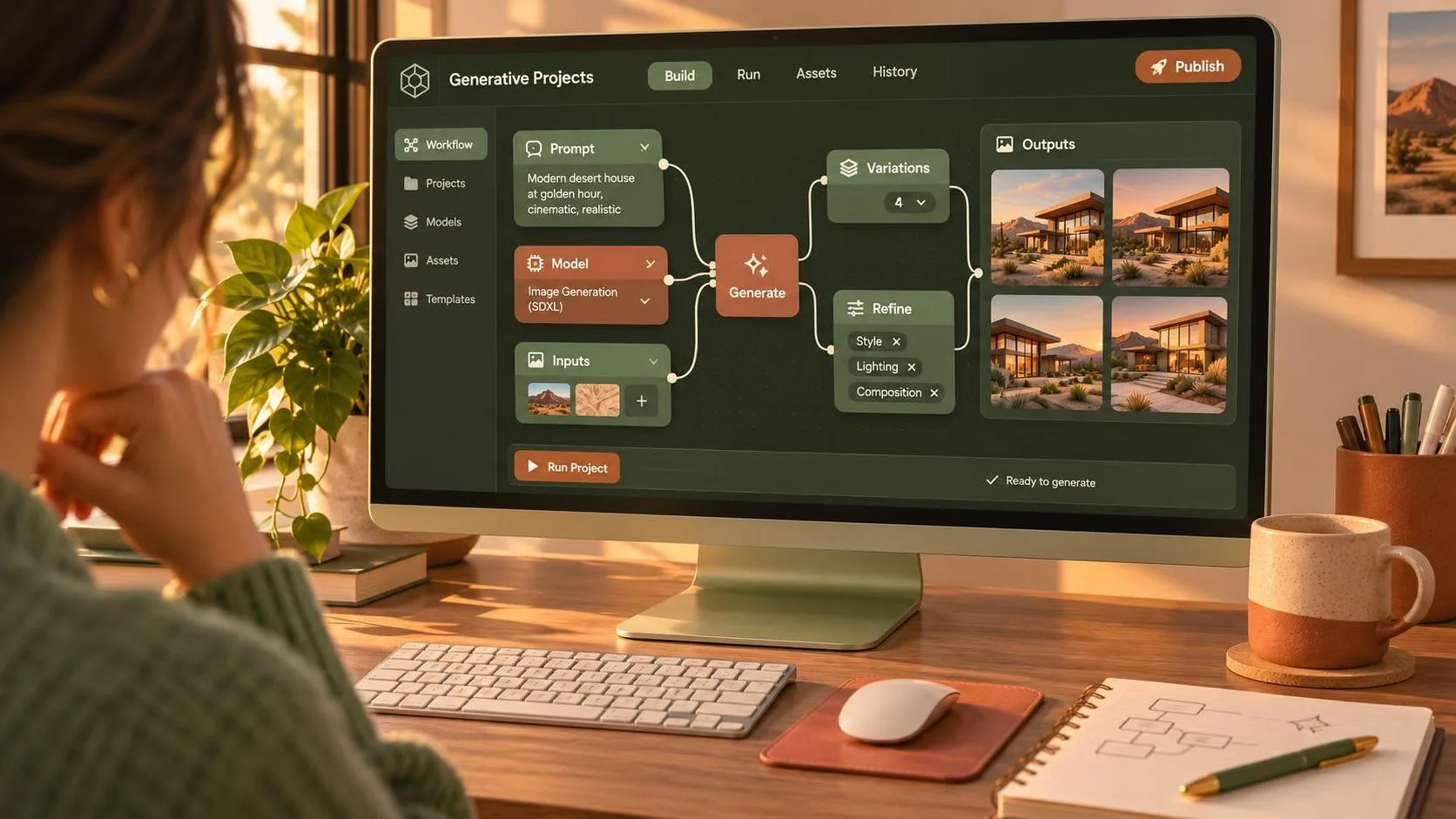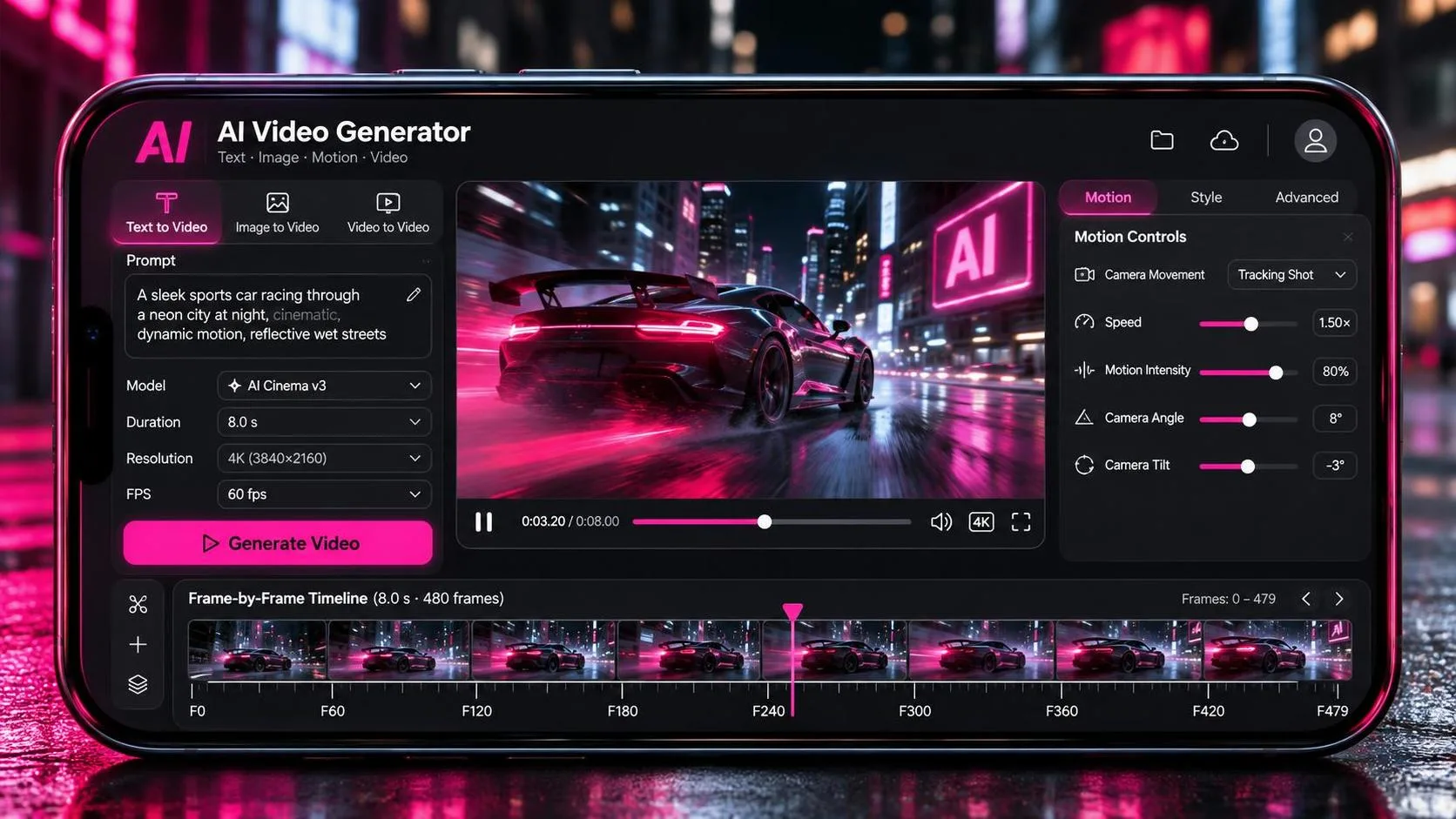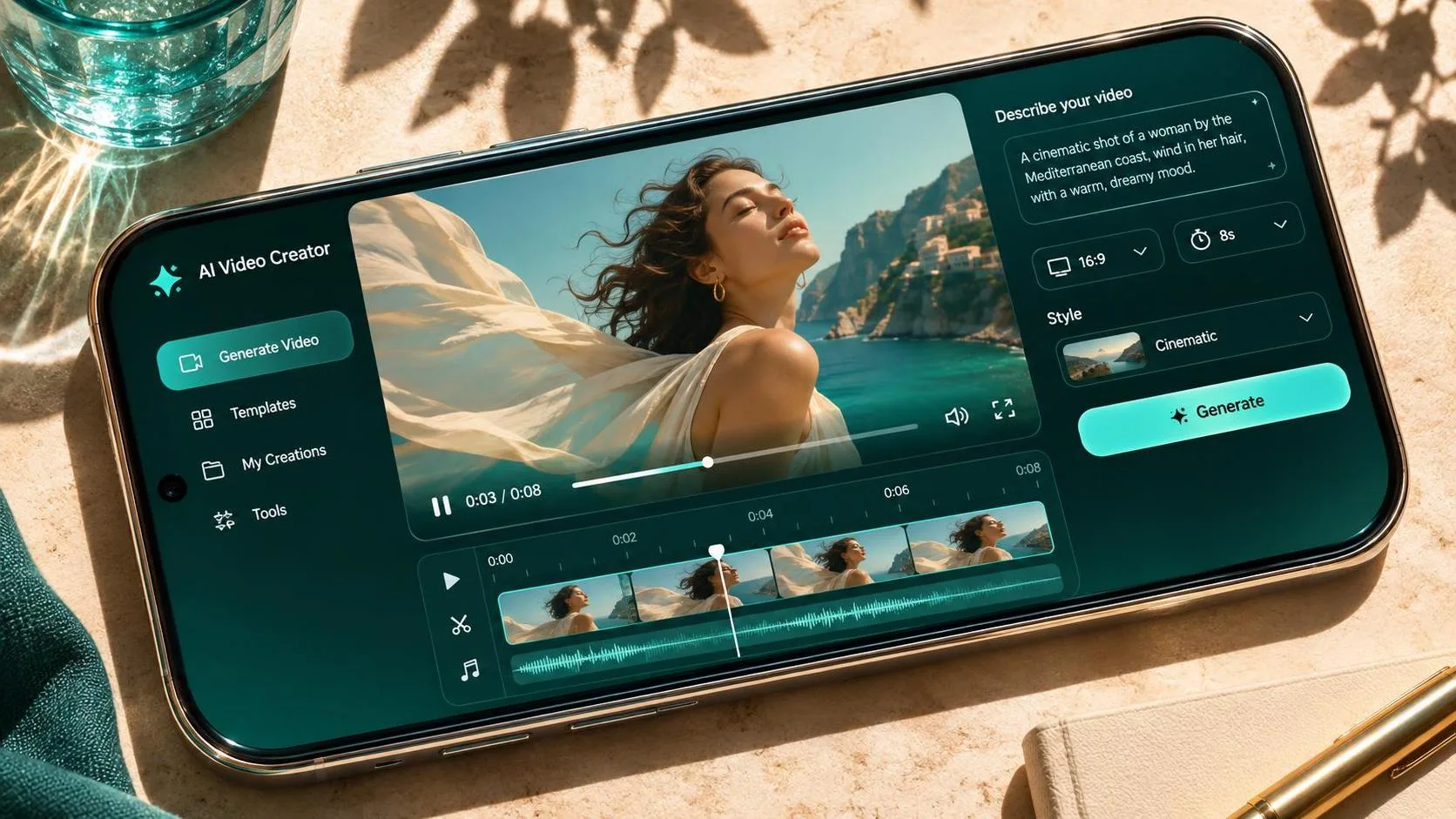
If you searched for flow ai google, you’re probably looking for Google Flow, an AI filmmaking tool for generating and developing video shots. Think of it as a way to create visual material for an edit, not a substitute for directing one. Its strongest use is generating shots you can select, reshape, and assemble around a clear idea; its weakest is asking one prompt to deliver a polished, continuous scene.
Flow is associated with Google’s Veo video-generation models, but model availability, features, plans, and regional access can change. Check Google’s Flow page for the options and requirements available to your account before building a production around it.
What flow ai google can do for a small production
Flow is designed around AI-generated filmmaking rather than a conventional timeline editor. Depending on the features available to you, the workflow can involve generating clips from text, using visual references, and developing shots within a project. The exact controls and supported models may differ by account or plan.
For an independent creator, that makes it useful for a visual treatment, an atmospheric insert, or a sequence that would be impractical to shoot. Picture a wide shot of a deserted observatory at dusk: it might establish a location before you cut to a practical close-up of a hand turning a radio dial. The generated image does not need to carry the entire story; it needs to give the next shot somewhere meaningful to go.
Start with a shot list, not a page of elaborate prompts. Write down the framing, subject, movement, and narrative purpose of each shot. If two shots serve the same purpose, you may only need to generate one.
Start with a shot that has a job
Before opening flow ai google, decide what the audience should notice. For the observatory example, the job might be to establish isolation. A locked-off wide frame, a small building, and empty space around it communicate that more clearly than a camera that swoops around for no reason.

Try a prompt with a single visual idea and specific photographic direction:
“A wide, static shot of a small observatory on a barren hill at dusk. A weak amber light glows in one window. Low clouds move slowly overhead. Naturalistic lighting, subdued colors, no people.”
That prompt establishes subject, composition, light, and motion without prescribing every pixel. Generate a result, then inspect the building’s shape, the horizon, and the light source. If the structure changes as the clip progresses, try reducing the complexity of the movement or choosing a shorter usable portion in the edit.
For a second pass, change one meaningful variable: perhaps replace the static frame with a slow push toward the building. Changing the camera, weather, time of day, and subject simultaneously makes it harder to tell what improved the shot.
Use flow ai google with continuity in mind
A beautiful clip can still be difficult to cut. When generating adjacent shots, describe the elements that should stay consistent: time of day, direction of light, wardrobe, location, and the subject’s position in frame. If your version of Flow offers reference or image-based controls, check how they work and whether you have permission to use the source material.
Even with a reference, continuity is not guaranteed. A character’s face, clothing, or props may shift between generations. Plan around that risk: use a wide establishing shot, cut to a practical detail, then return to a different angle. A cutaway to a radio, window, or landscape can carry the action without forcing two inconsistent close-ups to sit side by side.
Screen direction matters too. If a person exits frame right, a following shot that continues the same movement will often read more naturally if they enter from the left. This is not an absolute rule, but it gives viewers a spatial thread to follow. Include the direction in the prompt and check the result rather than assuming the model obeyed it.
Build an edit, not a collection of clips
The useful test for flow ai google happens after generation. Bring your selected clips into your editing software, place them in story order, and watch the sequence without music. Can you understand where you are, what changed, and why the next shot appears? If not, another dramatic camera move probably will not fix it.

Look closely at the first and last frames of each proposed cut. Moving clouds, shifting architecture, unstable hands, or sudden changes in illumination can make a clip unusable even when its middle looks convincing. Trim around defects when the remaining action still makes sense. A brief insert can be more valuable than a longer shot that calls attention to itself.
Then add sound deliberately. Room tone, wind, footsteps, or a radio hum can help separate clips feel like one place, but sound should support the visual geography rather than disguise a confusing cut. Check whether a generated clip includes audio in your available workflow; if it does, evaluate that audio separately before using it.
Budget for attempts and delivery
Pricing, credits, and generation limits can change, so review Google’s current plan terms and the cost shown in the interface before committing. Check whether unsuccessful generations consume credits, what happens when a quota runs out, and which output settings are included. Set a spending limit for the sequence rather than treating every new variation as free.
A sensible first pass is one representative shot. Generate a few variations, choose the strongest, and see whether its look will work alongside the footage already in your project. Only then expand the shot list. Save the prompts and note which changes produced a usable result; that record is more useful than a folder full of unnamed exports.
Before delivery, confirm the available export resolution and format, as well as the applicable commercial-use terms. Match the footage to your timeline, inspect it at the final viewing size, and check whether reframing or color correction reveals artifacts. If you need recognizable people, branded material, or a client’s proprietary imagery, settle permissions and client approval before generating.
Flow can make an impossible location affordable to explore, but it still hands the essential decisions back to the filmmaker. A good shot is not just generated. It is chosen.