Grok video is worth examining as a working tool, not just as another impressive clip generator on social media. For filmmakers, YouTubers, editors, and visual artists, the real question is simple: can it produce shots that survive a timeline, support a story, and respond to revision? A beautiful five-second result is only the beginning. The useful test starts when you need a matching angle, a specific performance, or a clean transition into footage you shot yourself.
I approach Grok video the same way I approach any camera, lens, or plug-in: with a shot list and a skeptical eye. I want to know how clearly it follows direction, whether motion feels intentional, and how much cleanup is required afterward. AI can help a solo creator explore an opening image, build a transition, or visualize a scene before production. It does not remove the need for directing, editing, sound design, or taste.
What Grok Video Is Good At
The strongest use for Grok video is rapid visual exploration. Suppose you are planning a music video set in an empty parking garage at blue hour. Before renting lights or scouting locations, you can test several versions of the mood: a slow dolly toward a lone figure, a handheld follow shot, or a locked-off wide frame with headlights cutting through haze. These experiments can reveal which visual idea deserves real production time.
It can also help with short-form content. A creator making a 30-second science explainer might generate an abstract image of electrical current moving through a circuit, then cut that material between presenter footage and animated diagrams. A small agency could use generated clips as mood-board material for a client pitch. An editor working alone might create a temporary establishing shot when the original coverage has a continuity gap.
The useful phrase here is temporary or supporting footage. Generated video is often most valuable when it does a specific job: establish place, suggest scale, create a visual metaphor, or bridge two beats. It becomes less dependable when asked to carry a complicated emotional performance or a long, physically coherent action sequence.
Prompting for Camera Direction
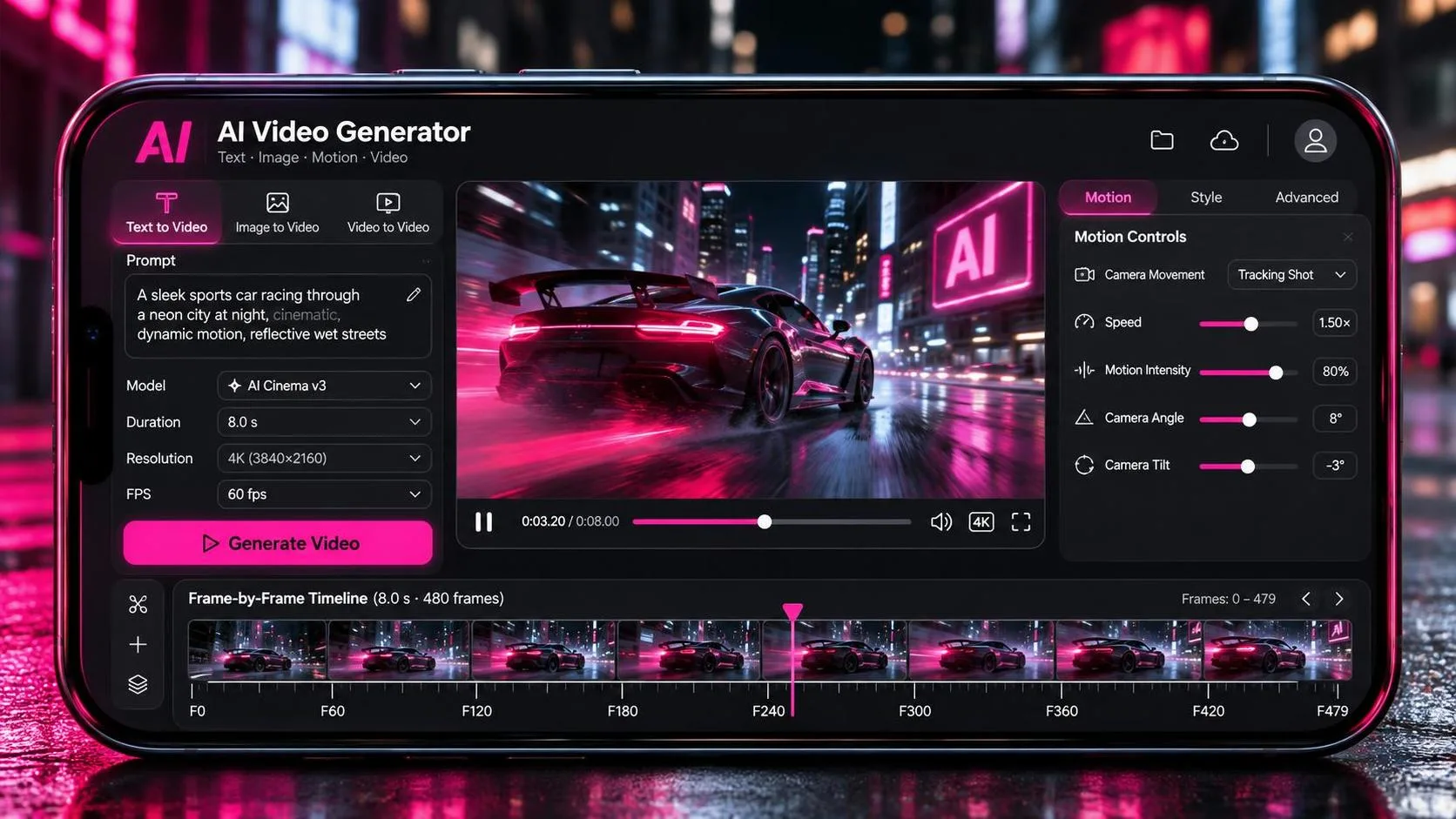
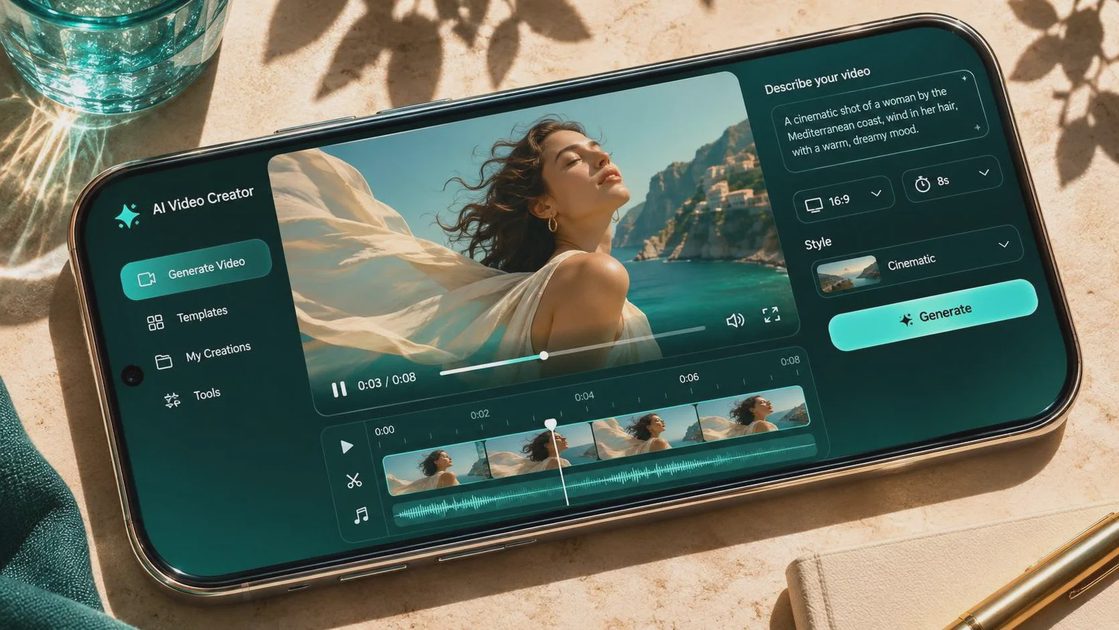
A weak prompt describes only the subject. “A woman walking through a city” leaves too many decisions open. A stronger prompt describes the subject, setting, action, lens impression, camera movement, lighting, and duration. For example: “Medium tracking shot of a cyclist moving through a rain-soaked downtown street at night, camera traveling parallel at walking speed, soft neon reflections, shallow depth of field, restrained documentary realism.”
That prompt is still not a shot plan, but it gives the model a clearer visual assignment. Start with one action and one camera move. Combining a whip pan, crane rise, rack focus, crowd interaction, changing weather, and an emotional turn in one generation usually creates visual confusion. When testing Grok video, I would rather generate six simple shots than spend all my time trying to force one overloaded prompt to work.
Use concrete film language, but do not assume every term will be interpreted exactly as it would by a camera operator. “Slow push-in” communicates intent more reliably than a paragraph of poetic description. If a specific look matters, name practical details such as overcast daylight, hard side light, tungsten interior light, or a 24mm wide-angle perspective. Then inspect whether the result actually follows those instructions.
A good shot is not just generated. It is chosen. Save the prompt, generation settings, and selected version together so you can revise the idea instead of guessing how you made it.
Continuity Is the Real Test
The demo looks good. Now let’s see if it survives the edit. Continuity is where Grok video needs the closest examination. A character may change clothing between attempts, a vehicle may gain a different shape, or a room may shift its architecture when the camera angle changes. Hands, faces, text, reflections, and fast object movement deserve frame-by-frame inspection.
For a practical sequence, break the action into coverage. Generate a wide establishing frame, a medium action shot, and a detail insert rather than demanding a complete scene in one clip. Keep stable details in every prompt: the red canvas jacket, the dent above the rear wheel, the green practical lamp on the desk. Even then, matching results are not guaranteed, so edit around the strongest visual information.
This is also where real footage can save the project. Shoot the actor, prop, or location practically, then use generated material for atmosphere or transitions. A real hand opening a door can cut into an AI-created hallway if the lighting, direction of movement, and sound design agree. The viewer does not need to know which frame came from which source, but the cut must feel motivated.
Editing Grok Video into a Finished Sequence
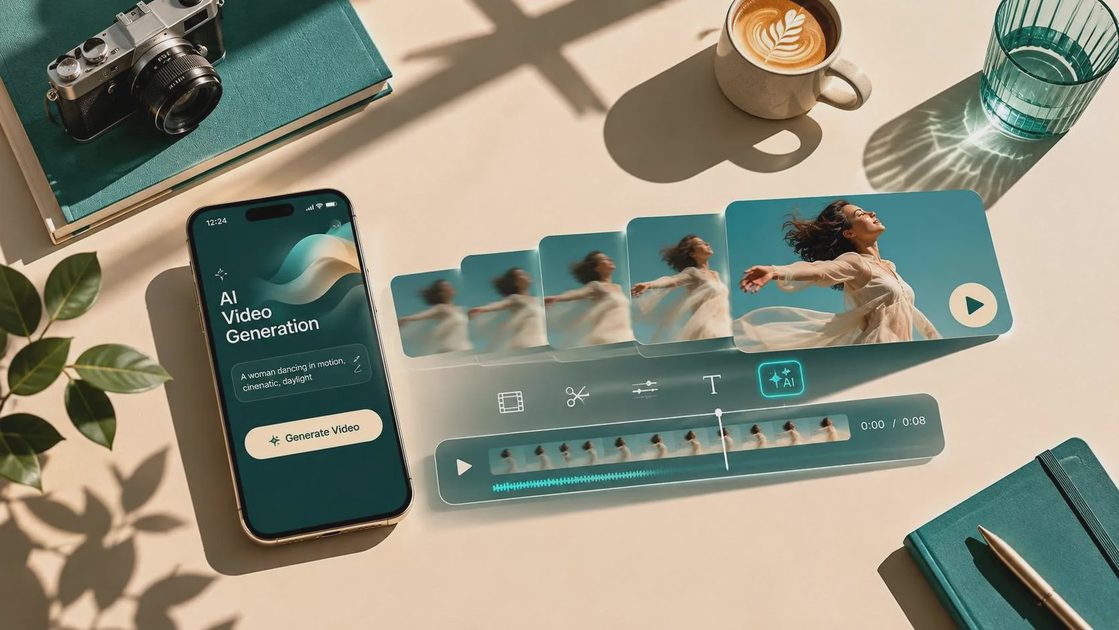
Treat each generated clip as raw material, not a finished scene. Bring it into DaVinci Resolve, Premiere Pro, or Final Cut Pro and evaluate it at the intended delivery size. A clip that looks convincing in a vertical social feed may reveal warped edges or unstable details when displayed full-screen. Trim aggressively. The best moment might be the final two seconds rather than the entire generation.
Sound can either expose the weakness or unify the sequence. Add room tone, footsteps, traffic, cloth movement, or a restrained musical bed instead of relying on whatever silent visual impression the clip provides. A generated camera move feels more believable when the sound perspective changes with it. If the image is slightly strange but the edit, audio, and pacing are confident, the audience may accept it as stylized footage.
Color matching matters as well. Compare contrast, white balance, grain, and motion blur against neighboring clips. A generated shot with glossy highlights may need a softer grade to sit beside documentary footage. Do not add heavy film grain simply to hide artifacts; that usually makes the image muddy. Fix the underlying editorial problem first, then use a consistent finishing look.
Cost, Access, and Workflow Planning
Before building a client project around Grok video, confirm what access, generation limits, export options, resolution, and commercial terms apply to your account. AI products change quickly, and a feature shown in a demonstration may not be available in every plan or region. Keep a small test project separate from a paid deadline until the workflow is dependable.
Budget time as carefully as money. A short clip might take several attempts, plus selection, downloading, conforming, color work, and cleanup. If a sequence requires twenty usable shots, the generation price is only one part of the cost. Your editing hours can exceed the subscription fee. For a personal channel, that tradeoff may be excellent. For a client, quote the testing and revision time honestly.
A sensible workflow starts with a storyboard or thumbnail board. Mark which shots must be real, which can be generated, and which are merely exploratory. Test one shot from each category before producing a whole sequence. This prevents the familiar failure mode: spending an afternoon generating attractive images that do not connect to the story.
A Practical Test Before You Commit
Give Grok video a small assignment with measurable requirements. Ask for a six-second exterior shot with one subject, one camera movement, and a clear lighting condition. Generate several variations, then test four things: subject stability, motion quality, composition, and editability. Can the first frame follow the previous shot? Can the last frame lead into the next one? Is there enough clean duration for an editor to use?
Next, create a simple two-shot progression. For example, start with a wide view of a bus stop in rain and cut to a close detail of a hand holding a paper ticket. The connection does not need to be perfect, but the direction of light, weather, and visual rhythm should agree. Add temporary sound and see whether the scene communicates without explanation.
If the clips work only as isolated spectacles, use them for concepts, title cards, or social posts. If they support a sequence after trimming and grading, you have found a practical role. That distinction is more valuable than a high score based on one lucky generation.
Grok video can be a useful instrument for previsualization, short-form storytelling, and carefully chosen inserts. It is not a replacement for a cinematographer, performer, editor, or director. The strongest results come from treating it as part of a larger process: define the shot, test the movement, compare the result with real footage, and revise with purpose. A good shot is not just generated. It is chosen.