A generated clip can have sharp detail, dramatic lighting, and a convincing camera move, yet still feel empty. The missing ingredient is often mise en scene: the deliberate arrangement of everything visible inside the frame. That includes location, set dressing, lighting, color, costumes, actor placement, movement, and the relationship between objects. In plain English, it is scene composition with story attached. For independent filmmakers using Runway, Kling, Luma, or image-generation tools, this idea is more useful than another list of cinematic prompt adjectives.
A good shot is not just generated. It is chosen. You choose what the viewer notices first, what remains hidden, and what changes when the camera moves. AI can help create possibilities quickly, but it does not automatically understand why a chair sits beside a window or why a character should enter from the dark side of a hallway.
What mise en scene controls inside a shot
Mise en scene begins before the camera moves. Imagine a tired detective sitting at a kitchen table at 2 a.m. A bare bulb hangs above him, a cold coffee cup sits near his hand, unpaid bills cover one corner, and the refrigerator door is slightly open behind him. Those details establish time, mood, financial pressure, and isolation without dialogue. Move the character to a clean office under soft daylight, and the same performance means something different.
The practical parts are straightforward. Production design establishes the place. Props provide clues. Blocking determines where people stand and how they move. Lighting shapes attention and emotion. Color creates visual relationships, such as a warm subject against a blue background. Composition then organizes those choices into a readable frame.
When I test an AI video tool, I look for whether these elements survive across frames. A beautiful still is easy to admire. The real question is whether the coffee cup remains on the same side of the table, whether the lamp stays mounted to the wall, and whether the character crosses the room with believable spatial logic. This is where visual arrangement becomes a continuity problem rather than a vocabulary exercise.
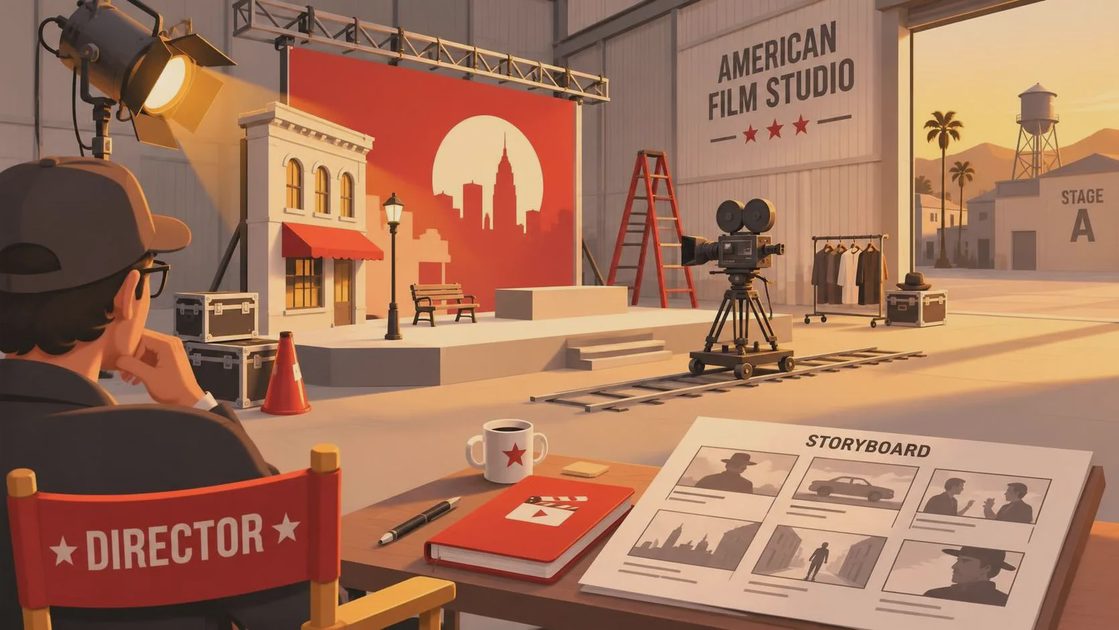
Why composition matters more than cinematic adjectives
Prompts often become crowded with words such as epic, atmospheric, cinematic, moody, and anamorphic. These terms can influence a model, but they rarely explain the shot. Stronger prompts describe relationships: a woman waits in the foreground while a bus passes behind her, sodium streetlight cuts across the wet pavement, and a red umbrella remains visible through the window reflection.
That is mise en scene in practical form. Instead of asking for a “cinematic street scene,” you are specifying who occupies the frame, what the environment is doing, where the light comes from, and which object carries meaning. The prompt gives the model a visual assignment instead of a mood board made from adjectives.
Try writing the shot in layers. Start with the subject and action. Add the location and time. Describe the dominant light source. Place two or three meaningful objects. Then define the camera position and depth relationships. For example: “A bicycle courier stands in the deep background of a narrow apartment hallway, an unopened envelope rests on a radiator in the foreground, pale morning light enters from the right, and the camera slowly pushes toward the envelope.” That instruction has more editorial value than “stylish cinematic hallway.”
The demo looks good. Now let’s see if it survives the edit. If the envelope changes shape, the hallway stretches between cuts, or the push-in loses its target, the generated shot may still be useful as a transition or insert. It is not ready to carry the scene by itself.
Using mise en scene in AI video prompts
AI video responds better when you separate visual priorities from camera decoration. I usually build a prompt in five passes: subject, environment, light, movement, and continuity. This does not guarantee a perfect result, but it makes revisions easier because you know which instruction caused the problem.
Suppose the shot is a musician preparing backstage. The subject is a performer tightening a guitar strap. The environment is a cramped theater corridor with taped cables and old posters. The light is a single practical bulb behind the performer, leaving the face partly in shadow. The movement is a slow handheld approach. Continuity requires the guitar, strap, posters, and corridor geometry to remain stable.
If the face changes, revise the character description and reduce unnecessary motion. If the background melts, simplify the posters and cables. If the tool turns the handheld approach into a floating crane shot, replace broad language with “eye-level camera, small natural operator sway, slow forward movement.” This is mise en scene used as a troubleshooting system, not just a film-school label.
For image-to-video workflows, establish the arrangement in a reference image first. Place the subject, key prop, and dominant light clearly. Then ask for restrained movement. A subtle turn of the head or a curtain shifting in the background is often more usable than a complicated dolly move that bends every straight line in the room.
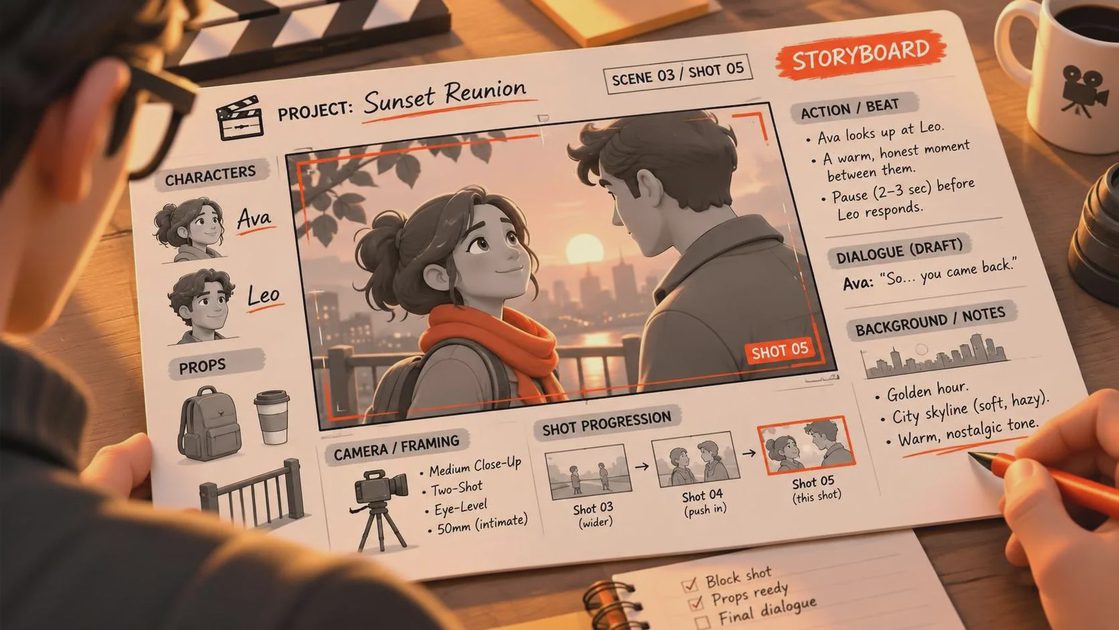
A simple scene composition test
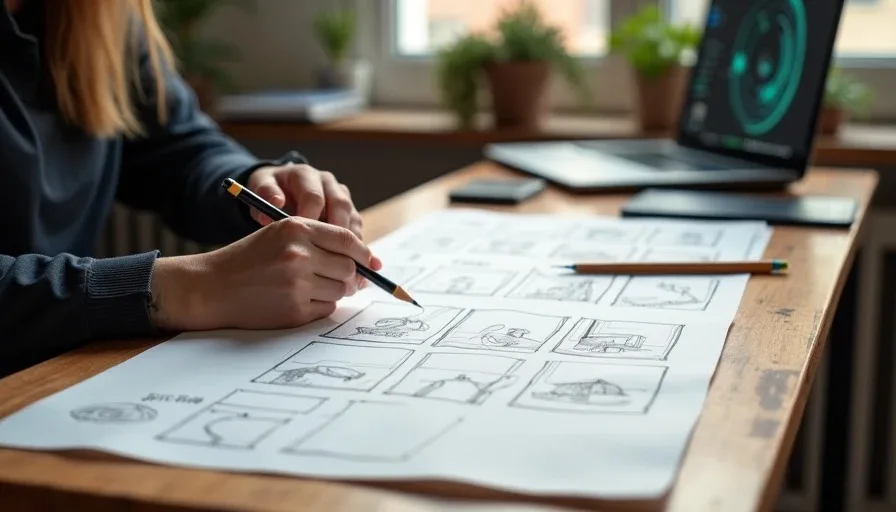
Before generating a sequence, make a quick thumbnail plan. You do not need polished storyboards; rectangles and arrows are enough. Mark the foreground, middle ground, and background. Circle the object that should attract attention first. Draw the path of the subject and the direction of the camera. If the shot cannot be explained with these marks, the prompt probably contains too many competing ideas.
Then create three versions with one major change at a time. In version one, keep the camera fixed and test the lighting. In version two, keep the lighting and change the subject’s position. In version three, add movement only after the arrangement reads clearly. Comparing controlled variations is faster than changing every word after each failed generation.
Watch each result without sound. Music can make a weak image feel more important than it is. Ask whether the eye knows where to go, whether the action is readable, and whether the background supports the story. A useful shot should communicate something before dialogue, sound effects, or an impressive transition rescues it.
Making visual arrangement survive the edit
Continuity is where AI-assisted filmmaking usually hands the problem back to you. Keep reference frames, prompt versions, seed information when available, and notes about the intended screen direction. If a character looks left in one shot and right in the next, the cut can feel wrong even when both clips look polished. Matching eyelines, light direction, wardrobe details, and object placement gives the editor more options.
For a short YouTube film, generate coverage rather than one supposedly perfect master shot. Create a wide establishing view, a medium action shot, and one or two inserts tied to the story. A hand closing a notebook, a flickering sign, or shoes stopping at a doorway can bridge imperfect generations while adding rhythm. The best AI workflow often combines generated material with practical footage, still images, sound design, and intentional cuts.
This is also why mise en scene belongs in production planning. Decide what must remain consistent before you spend credits. If the scene depends on a recognizable room, generate a clean location reference first. If the focus is performance, reduce background complexity. If the environment carries the emotion, let the subject occupy less of the frame and give the set room to speak.
The filmmaker still makes the final choice
AI tools are useful for exploring visual possibilities, testing mood, and creating shots that would be expensive or impossible to capture alone. They are less reliable at preserving exact geography, meaningful props, and performance continuity across a long sequence. Treat them as responsive instruments, not automatic directors.
Study mise en scene in films you already admire. Pause before a character speaks and identify the strongest color, the brightest area, the nearest object, and the visual line that leads your eye. Then rebuild that logic with the tools you have. You do not need a virtual crane, a giant crew, or a one-prompt feature film. You need a clear intention and enough control to protect it.
A good shot is not just generated. It is chosen. When the visual arrangement supports the story, even a modest AI-assisted clip can earn its place in the final cut.