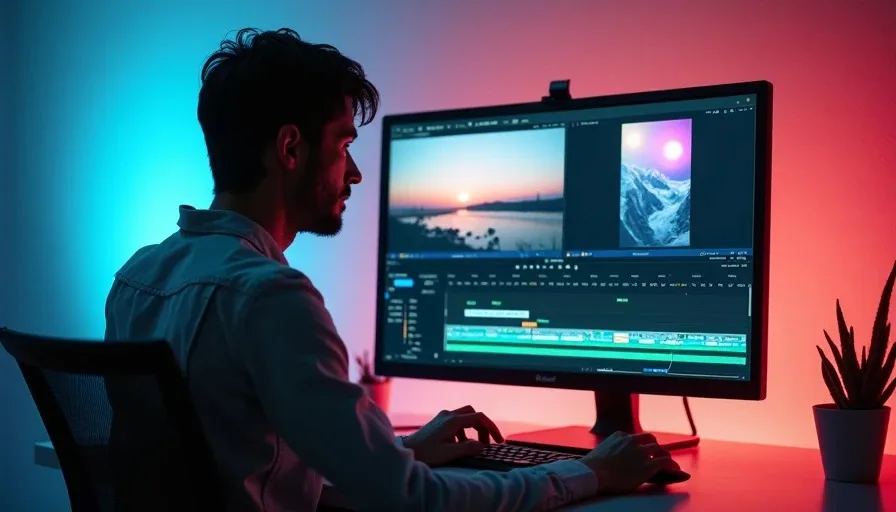
A json prompt is a shot brief written as structured data: fields such as subject, action, camera, and lighting hold the instructions you want an AI tool to follow. For video creators, its biggest advantage is organization, not magic. It makes a complex shot easier to revise and reuse, but it does not guarantee that a generator will understand every field or produce consistent footage.
The practical approach is to draft the shot in JSON, then check how your chosen tool accepts prompts. Some interfaces expect ordinary text rather than a JSON object. In that case, use the structured brief as your planning document and turn its contents into a clear natural-language prompt. Don't assume a field named “camera” will be treated as a camera control.
What a json prompt actually does
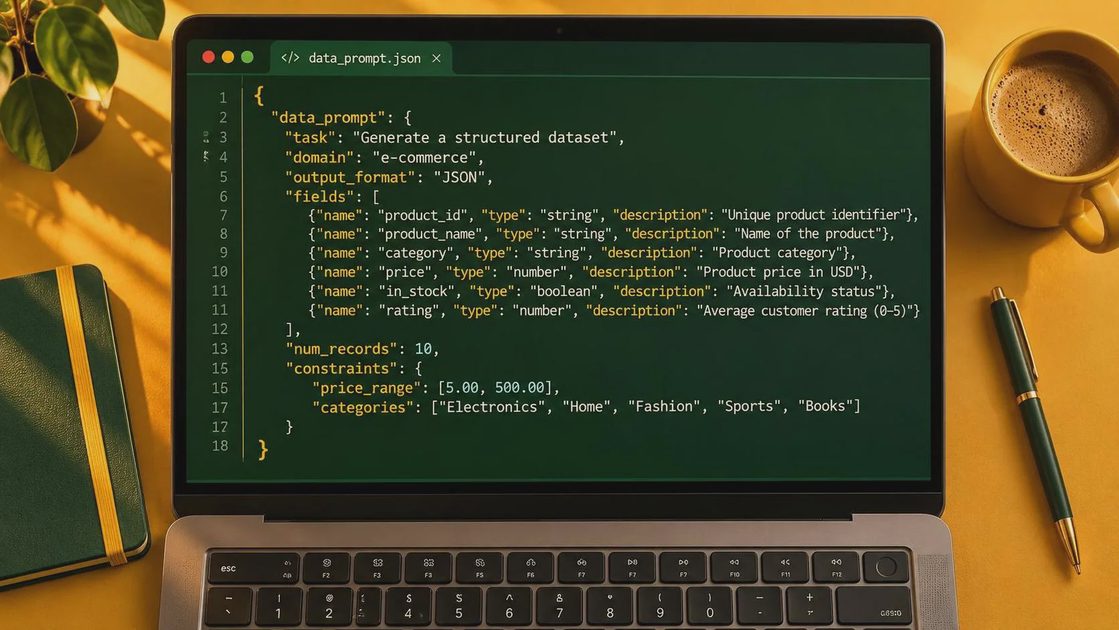
JSON stands for JavaScript Object Notation. It organizes information into keys and values: a key names a piece of information, and its value supplies the detail. In a film brief, “subject” might describe a cyclist, while “action” describes what the cyclist does. The format is readable by people and software, which makes it useful for saving variations or passing a brief between workflow steps.
That structure is separate from the video model's capabilities. A generator may respond to the words inside your brief without recognizing the keys as formal settings. Actual duration, aspect ratio, reference images, and other available controls may need to be selected elsewhere in the interface or supplied through specific API parameters.
Think of the JSON as a shot card, not a camera operator. It can keep your intentions visible; it cannot make a physically impossible move coherent or fix a vague story beat. Start with the action the audience needs to understand, then add the visual choices that support it.

Build a json prompt around one usable shot
Imagine an opening shot for a short film: a cyclist arrives at an empty diner after rain. The important beat is the arrival, not a collection of attractive details. Here is a compact brief you can adapt:
{ "subject": "A cyclist in a yellow rain jacket", "action": "Stops beside an empty roadside diner and looks toward the entrance", "setting": "Wet pavement at dusk, with the diner windows glowing", "framing": "Wide shot that keeps the cyclist and entrance visible", "camera": "Slow, steady push toward the diner", "lighting": "Soft overcast light with warm window light", "continuity": "Keep the bicycle beside the cyclist throughout the shot" }
This is valid JSON: keys and text values use double quotes, commas separate the pairs, and the object has opening and closing braces. If you add a field, put a comma after the preceding pair, but not after the final pair. Unescaped quotation marks inside a value will also break the syntax. A JSON validator can catch those errors before you hand the brief to another tool or process.
The framing gives the edit a useful piece of geography: the viewer can see both the character and the destination. The slow push adds attention without asking for a complicated orbit. The continuity note states an intention, not a guarantee; you still need to inspect the generated frames for a disappearing bicycle or a sudden change in position.
If the generator takes plain text, rewrite the brief as a sentence: “Wide shot of a cyclist in a yellow rain jacket stopping beside an empty roadside diner at dusk. Wet pavement reflects the warm windows. The camera slowly pushes toward the entrance as the cyclist looks at it, bicycle beside them.” Set any available technical controls separately.
Revise the json prompt without changing everything
Generate an initial version, then identify the single failure that matters most to the cut. If the cyclist never looks at the entrance, simplify the action before adding more atmosphere. If the action reads but the camera movement is chaotic, change the camera instruction to a locked-off wide shot. A static frame that communicates the beat is more valuable than an elegant push that hides it.
Keep a copy of each brief and note what changed between attempts. If your tool offers a seed or reference-image control, record those settings too, along with the model, duration, and aspect ratio. A seed may help make an experiment more repeatable in some workflows, but it is not a promise of identical results across tools or settings.
Be careful with contradictions. “Locked-off camera” and “camera circles the subject” describe different shots. “Empty diner” can also be ambiguous: does it mean no customers inside, no people outside, or an abandoned building? Specify the detail that matters instead of stacking adjectives and hoping the model chooses correctly.
Take the shot from generation to edit
Before you spend more credits on variations, decide where the clip belongs in the sequence. An establishing shot needs readable geography and a clean entrance into the next angle. A cutaway may only need a brief, convincing detail. Watch the result without sound first: can you tell where the cyclist is going and why the camera is looking there?
Then check the frames around your intended cut. Look for changing jacket details, unstable bicycle geometry, window reflections that jump, and movement that starts or stops abruptly. If the first second is usable but the ending falls apart, a shorter edit may solve the problem. If the shot must connect directly to another angle, compare screen direction, subject position, and lighting across both clips.
Budget for iteration rather than treating the first attractive output as the finished shot. Generation costs and credit rules vary by service and settings, so check the tool's pricing and estimate how many attempts your sequence can afford. Save the strongest takes and their settings before moving on.
A structured brief is most useful when it helps you make a better decision: simplify a move, clarify an action, or recognize that practical footage would serve the scene better. A good shot is not just generated. It is chosen.