Creating high-quality AI videos no longer requires a large team or huge budget. A practical multi-model AI video production workflow lets one person act as producer while Claude Code serves as director, Codex handles keyframes, and Seedance generates motion. The goal is simple: catch every error in text or still images before paying for video generation.
Core tool roles
You: choose direction, approve style and spending, review motion and audio.
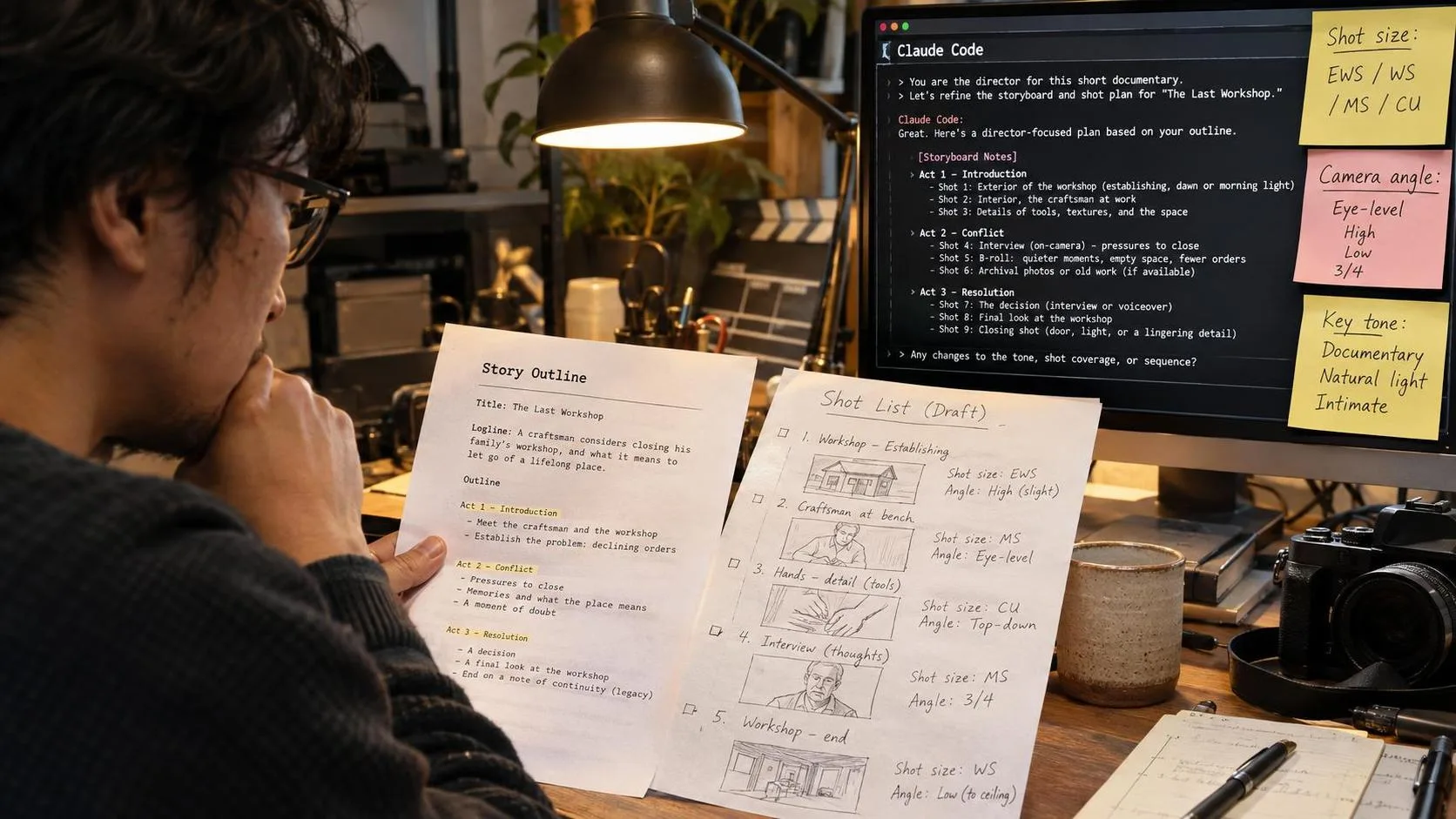
Claude Code (director): writes story and storyboard, crafts all prompts, reviews frames and clips, writes post-production code.
Codex (artist): generates character sheets, style frames, and first/last frames of every shot.
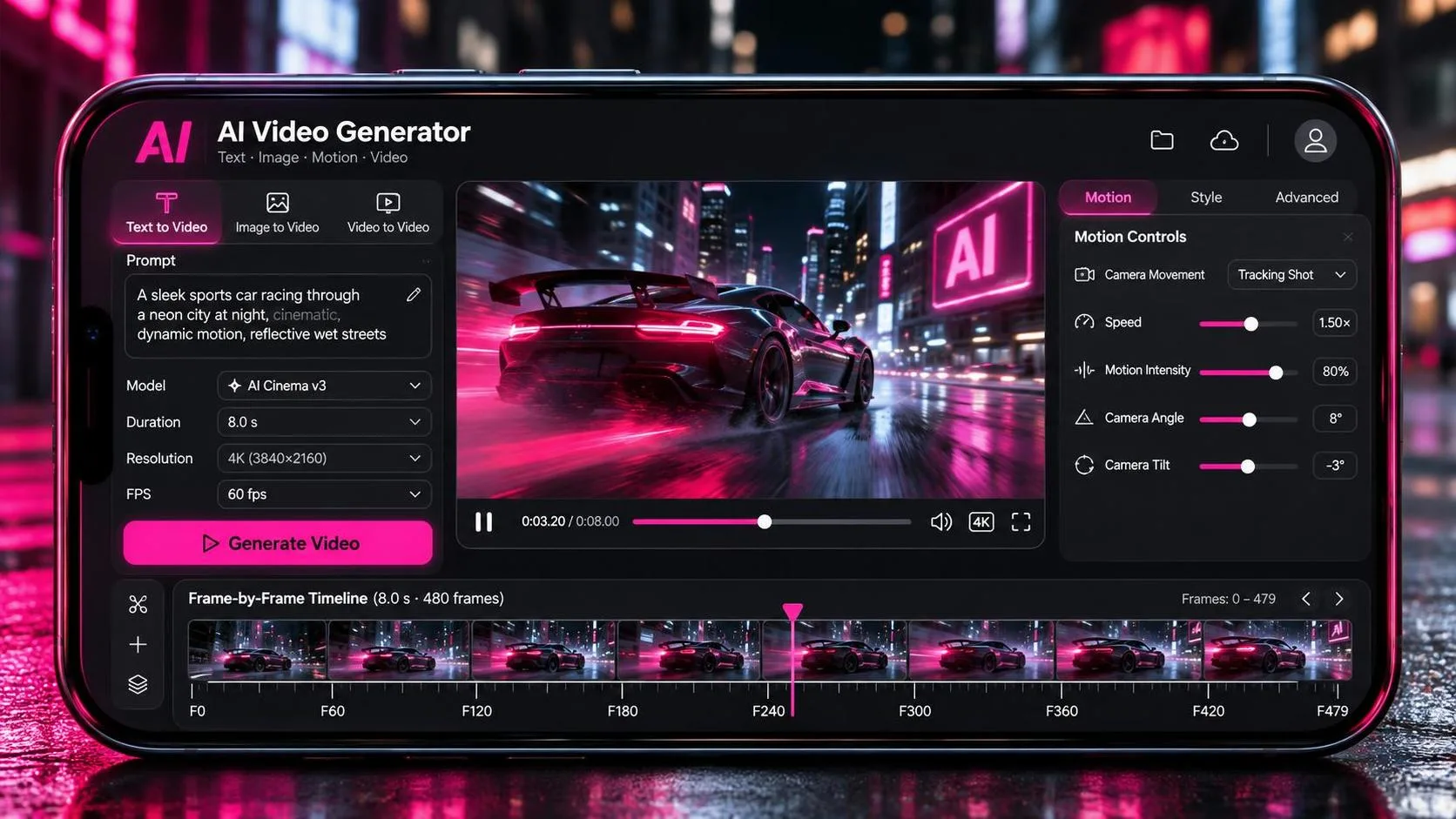
Seedance (animator): turns consistent first/last frames into short video clips.
Supporting tools: ffmpeg + Python for assembly, color, transitions, and upscaling.
Key principle that keeps costs low
Text is free to revise. Still images cost little. Video is charged per second. Therefore every mistake that can be found in the script or in still frames must be fixed before Seedance is called.
End-to-end process
Turn a rough idea into a complete story that follows real-world logic, has a clear one-sentence message, opens with a strong visual, and designs reactions that feel human (staggered timing, natural body language). Prefer episodic structure over continuous action to reduce continuity risks.
Expand into a detailed shot list: shot size, camera angle, movement, screen direction, what is moving in the frame, and how the shot transitions. Keep flat frontal angles rare; vary high/low/over-shoulder angles. Ensure something is always moving.
Lock visual style and character/prop sheets before any production frames.
Generate first and last frames for each shot. Draw the denser frame first, then derive the other. Keep camera position and composition identical unless intentional push/pull is planned.
Write seven-section video prompts (style, camera, composition/color, characters, second-by-second action, sound, constraints). Have a separate review agent verify every detail against the frames before submission.
Generate at 720p, then upscale. Prefer the cheaper Seedance model unless the shot is unusually complex.
Assemble with code: transitions, limited color work (protect skin tones), lanczos upscale + light sharpen, beat alignment if music is used.
Final independent review of the full cut, then archive style rules, prompts, and lessons learned.
This workflow turns expensive “reroll culture” into controlled, review-gated production.
FAQ
Q: Why use Claude Code instead of just prompting Seedance directly?
A: Claude maintains long-context consistency across story, boards, prompts, and code, and can call the other tools so you stay in one conversation.
Q: How much does a short film cost with this method?
A: Most of the spend is Seedance seconds. Careful first/last-frame work and pre-submission review keep total cost far lower than pure text-to-video trial-and-error.
Q: Can I skip the first/last-frame stage?
A: You can, but logical errors, disappearing props, and inconsistent characters rise sharply, increasing expensive regenerations.