The best pro software for video editing is not the application with the longest feature list. It is the one that helps you shape a story, manage demanding media, protect your sound, and make thoughtful decisions before a deadline. I have edited documentaries, branded videos, music visuals, and YouTube projects on modest budgets, and the same lesson keeps returning: the demo looks good, but the real test is whether the tool survives the edit.
For independent creators, choosing an editor usually means balancing price, computer performance, collaboration, and creative control. Adobe Premiere Pro, DaVinci Resolve, Final Cut Pro, Avid Media Composer, and newer AI-assisted applications all solve different problems. None will rescue weak footage or an unclear story. A good shot is not just generated. It is chosen, organized, trimmed, and placed beside another shot for a reason.
What professional editing software actually needs to do
Professional editing software should handle the complete path from camera card to finished master. That starts with reliable media organization. You need bins, searchable metadata, labels, proxies, and a sensible way to reconnect files when a project moves between drives. A 4K documentary can quickly become hundreds of gigabytes, so a polished interface means little if the application loses track of source media.
The timeline is equally important. Look for precise trimming, J and L cuts, nested sequences, adjustment layers, multicam editing, and strong keyboard shortcuts. These features are not glamorous, but they determine whether an interview-heavy project feels controlled or exhausting. Audio tools matter too. Dialogue cleanup, clip gain, keyframes, buses, and support for external plugins can save hours after a noisy production day.
Color tools separate a basic editor from a serious finishing environment. DaVinci Resolve is particularly strong here, with a dedicated color workflow that can take footage from exposure correction through creative grading. Premiere Pro works well when the edit already lives inside Adobe’s ecosystem. Final Cut Pro is known for fast performance on Apple hardware and a magnetic timeline that some editors find efficient while others find restrictive.

Comparing the major choices
Adobe Premiere Pro remains a flexible choice for freelancers who exchange projects with agencies, motion designers, and other editors. Its integration with After Effects, Audition, Photoshop, and Frame.io can make a mixed-media workflow smoother. The subscription model is an ongoing cost, commonly reaching several hundred dollars per year depending on the plan and promotions, so it makes more sense for people who edit regularly than for someone cutting one short film every few years.
DaVinci Resolve offers a compelling free version and a paid Studio edition with advanced effects, noise reduction, and additional tools. The free version is capable enough for many YouTube videos, documentaries, and short films. Studio is a one-time purchase in many markets, which can be attractive when compared with recurring subscriptions. Its interface has a learning curve, but the Edit, Fusion, Fairlight, and Color pages create a broad finishing environment.
Final Cut Pro is a strong fit for creators using a Mac with Apple silicon. It can feel exceptionally responsive with high-resolution footage, and its library system is approachable for solo producers. The tradeoff is collaboration: a team built around Premiere or Avid may not want to change its established pipeline. Avid Media Composer still earns respect in large editorial environments where shared projects, detailed media management, and established assistant-editor practices matter more than beginner convenience.
When people search for pro software for video editing, they often compare brand names before describing the project. Reverse that order. A solo travel filmmaker with a Mac has different needs from a small agency delivering commercials, and both differ from a gaming creator recording several hours of screen footage each week.
Where AI helps, and where it hands the problem back
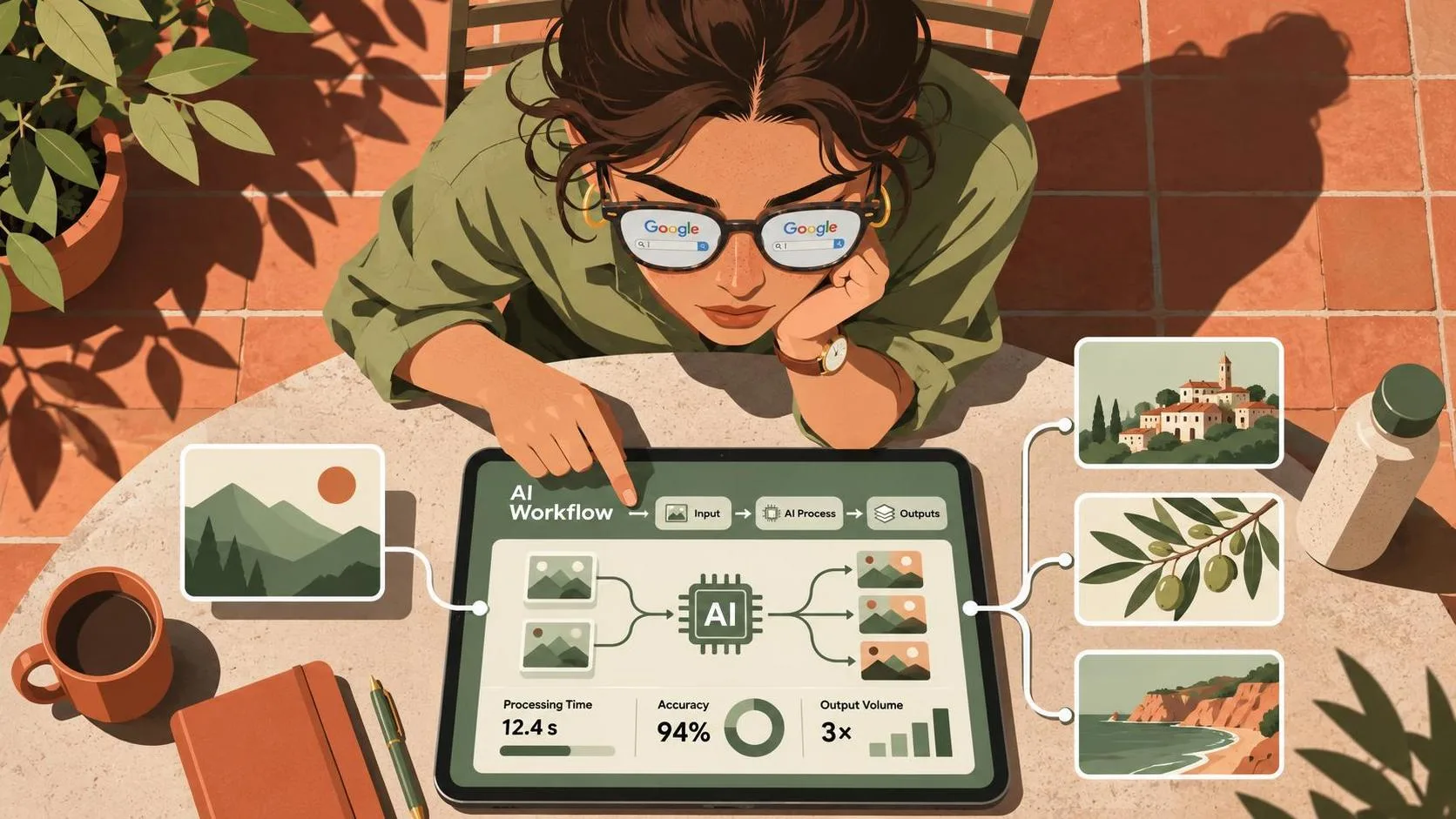
AI features are becoming useful inside editing workflows, but they are not a substitute for editorial judgment. Transcription can turn a two-hour interview into searchable text. Text-based editing can help assemble a rough cut by selecting phrases, while silence removal can speed up talking-head cleanup. Automatic reframing is useful when a horizontal interview needs a vertical social version, although faces and hands still require inspection.
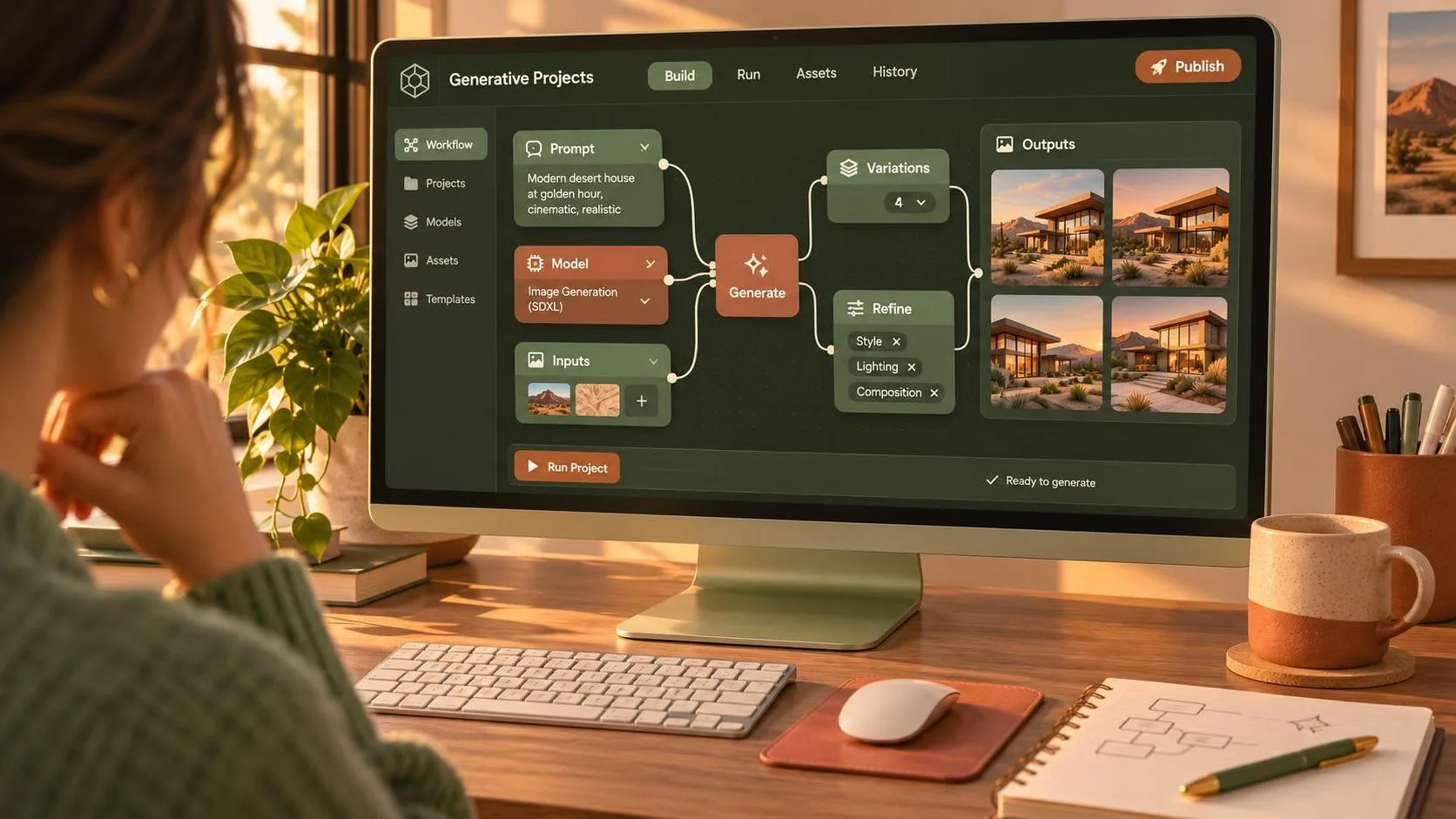
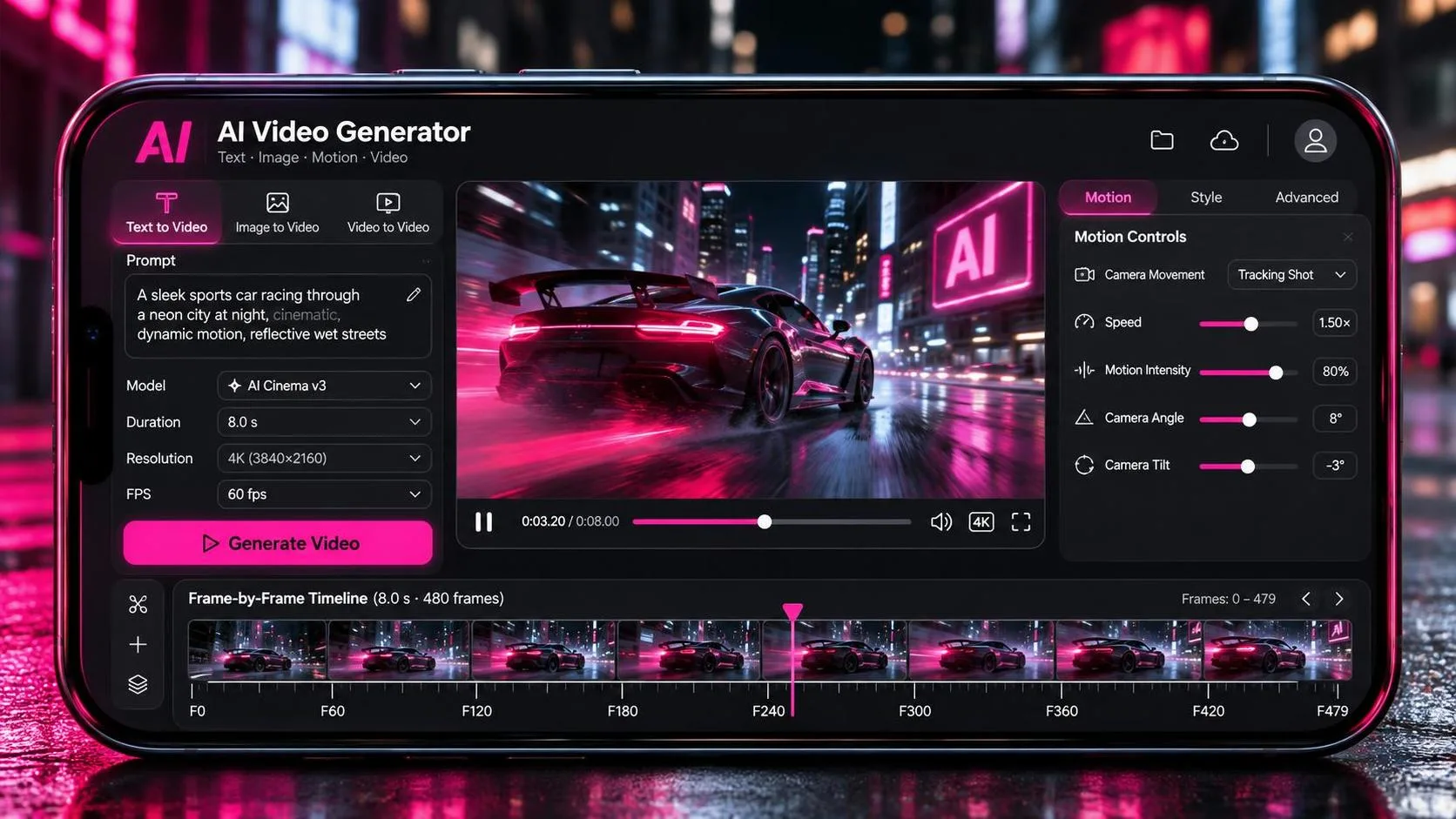
Generative tools can fill a gap, extend a background, create a temporary visual, or produce a rough concept before a real shoot. That is valuable during planning. It becomes less dependable when a project requires consistent wardrobe, exact hand movement, believable object interaction, or continuity across multiple shots. The tool may produce an impressive five-second clip, then quietly hand the problem back to you when the sequence needs twenty matching seconds.
I treat AI as an assistant for preparation and variation. I might use a transcript to find a revealing line, generate alternate storyboard frames, or remove a distracting object before reviewing the result at full resolution. I still watch the cut with the sound off first. If the visual rhythm does not work without music and effects, an automated feature has not solved the central problem.
A practical workflow for choosing your editor
Start by listing the work you actually deliver. If you make weekly 1080p videos, almost any modern editor can provide enough power. If you cut multicamera interviews, 6K cinema footage, and animated graphics, prioritize proxy workflows, GPU acceleration, codec support, and reliable cache management. Test the application with your own media rather than a clean manufacturer demo.
Import a short project containing mixed frame rates, separate audio, a few long clips, and one difficult codec. Build a rough sequence, replace a shot, add captions, clean a dialogue track, apply a basic grade, and export both a master file and a social crop. This practical test exposes more than a feature chart. Notice how many clicks common tasks require and whether playback remains stable after effects are added.
Budget for the surrounding system as well. A fast editor on a slow external drive still feels slow. A creator may spend $150 to $400 on additional storage, then another $100 to $300 on a calibrated or reasonably accurate monitor. Keep at least one backup of active projects, and do not treat a cloud sync folder as the only copy of irreplaceable footage.
Matching software to real creator situations
For a solo YouTuber publishing two videos a month, Final Cut Pro or DaVinci Resolve can provide a deep toolset without adding complicated team administration. A creator already paying for Adobe applications may prefer Premiere Pro because graphics, thumbnails, audio repair, and editing share one ecosystem. The practical winner is the application that reduces repetitive friction in the existing routine.
For a freelance editor exchanging project files, client compatibility can outweigh personal preference. Ask what application, version, fonts, plugins, and media structure a client expects before accepting the job. An elegant personal workflow is not helpful if the client cannot open the timeline or relink the camera originals.
For AI-heavy projects, choose an editor that lets you inspect generated footage closely, manage multiple versions, and replace weak shots quickly. Look for transparent export settings, dependable captions, color controls, and easy audio revision. Pro software for video editing should make experimentation reversible; you should be able to try an AI insert without damaging the clean master sequence.
The final cut is still a human decision
The strongest editor is rarely the one that promises to finish a film automatically. It is the one that gives you enough control to notice when a cut is late, a reaction shot is dishonest, or a generated image breaks continuity. Pro software for video editing can accelerate organization, cleanup, and delivery, but it cannot decide what a scene means.
Download a trial or free edition, bring in your own footage, and complete a small project from ingest to export. Compare the finished result, not the marketing demo. If the software helps you spend more time choosing the right shot and less time fighting your timeline, it is doing its job. The craft remains yours, and that is exactly how it should be.