The first time I used an AI image generator for pre-production, I thought I'd found the cheat code. Ten minutes of prompting produced twelve frames — a dusk exterior, a hallway interior, a close-up with beautiful falloff on the character's cheek. They looked like a real storyboard. They looked like a film I wanted to make.
Then I tried to generate video from them. And the whole thing collapsed.
The frames didn't connect. The hallway had two different geometries depending on which frame you looked at. The character's coat changed from charcoal to blue-black between shots. And none of the frames told me what the shot was actually supposed to do — what it was revealing, what the audience should feel when the cut landed. They were pictures. They were not a plan.
That experience is the reason this essay exists. Because I see creators making the same mistake I made, at scale, and calling it a workflow.
The Image Is a Snapshot. The Shot List Is a Blueprint.
Here's the distinction that took me too long to understand: a generated image tells you what a single moment looks like. A shot list tells you what a shot is for.
A shot list is a document that maps every shot in a scene — its size, its camera movement, its duration, its subject, and crucially, its intent. It translates the images in a director's head into a shared plan, organizing visual ideas into a format the entire production can follow. In traditional filmmaking, it's the document the assistant director uses to estimate setups and shooting time. In AI filmmaking, it's the document that tells you which of your 200 possible generations is the right one.
An AI-generated image is a sketch. A beautiful sketch, sometimes. But it has no intent baked into it. It doesn't know why it exists. It doesn't know what came before it or what comes after. It doesn't know that the character is supposed to be afraid, or that the room is supposed to feel too small, or that the cut from the previous shot needs to land on a specific beat of movement.
The most common failure mode in AI storyboarding is opening an image tool before the scene is understood. You end up with beautiful frames that don't cut together, characters whose emotional state contradicts the dialogue, and a board nobody can shoot from.
That's not a tool problem. That's a planning problem.
What the Shot List Actually Does

I want to be specific here, because "plan more" is useless advice. A shot list does four concrete things that a folder of generated images cannot.
It defines intent per shot. Every shot in a scene has a job. An establishing shot establishes. A reaction close-up reveals emotional state. A transition shot moves the audience from one space or time to another. If you can't write a one-line intent note for a shot, the shot probably doesn't need to exist. AI cannot invent intent, but once intent is written, generation becomes mechanical.
It gives you a coverage logic. Coverage isn't just "get more shots." It's the structural relationship between shots — how they cut together, what eyelines they establish, where the audience's attention moves. A shot list makes coverage countable. Twenty-eight boarded frames is a scope. "A short film" is not. When you know you need twelve shots to cover a scene, you can budget for twelve and route them to the right models. When you only have "a vibe," you generate until you run out of credits.
It specifies the technical parameters that determine whether a shot is usable. Camera movement, lens language, duration estimate, subject position, screen direction. These aren't decorative details. They're the constraints that determine whether a generated clip will cut against the shots around it. A close-up that looks left when the previous shot established the character looking right is a continuity error, no matter how beautiful the generation.
It's the approval artifact. A board that reads as a film is the document you sign off on before you spend money on generation. If the board doesn't work, the film won't work. This is where iteration is cheap. Downstream, it's expensive. Prompting straight to video without a shot list is the most expensive habit in AI filmmaking — you're paying to animate compositions you haven't decided you like yet.
The Industry Is Already Learning This
I'm not the only one who has run into this wall. The professional AI filmmaking world is being forced to confront the same distinction, and the data is instructive.
Inside a live advertising campaign for a major Japanese personal-care brand, more than 2,000 generations across current image and video models yielded only a handful of usable cuts. The researchers named the underlying problem the Deployability Gap — a structural mismatch between what AI can generate and what a professional workflow can deliver. AI video proved deliverable, but only when an experienced practitioner judged which cuts the technology could survive and built the workflow around them.
That phrase — "judged which cuts the technology could survive" — is the whole argument. The practitioner wasn't generating better images. They were choosing which shots had a reason to exist and routing the production around that judgment.
At the 2026 AIFUT conference in Beijing, director Shen Jinjing — who led AI deployment for The Wandering Earth 3 — described the same limitation from inside a major production. In a scene where the protagonist's team enters an apocalyptic ruin, the director spent hours refining a plate of frozen dumplings. The dumplings needed to read as dumplings while also carrying the texture of food left uneaten for decades. "This kind of detail, which carries the worldview and sits at the creative boundary, is currently completely impossible for AI," Shen said.
More fundamentally, Shen noted that AI generation cannot perform surgical adjustments. In live-action, a director can rehearse, block, and adjust a single element while everything else stays locked. AI generation only offers re-rolls — the "slot machine" approach. You can't tell the model "keep everything the same but move the lamp two inches left." You regenerate and pray.
The industry consensus is forming around a clear principle: generated visuals serve previsualization, communication, and direction validation. They are not the deliverable. The moment that line blurs — when a generated frame gets treated as finished footage rather than a draft — teams waste time and money trying to recreate an image that was only ever meant for communication.
The Three-Shot Test
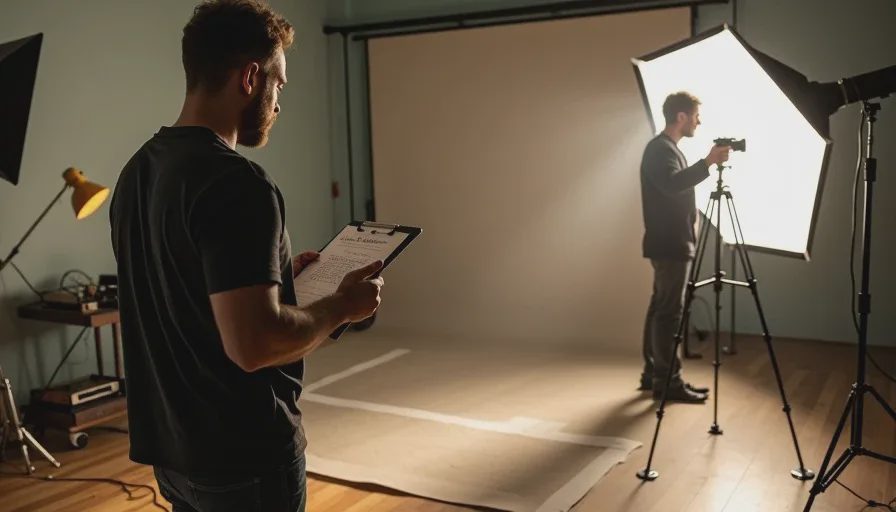
So what does a workflow that respects this distinction actually look like? For me, it comes down to a simple test I run before generating anything.
Test 1: Can I describe what this shot needs to do in one sentence? Not what it looks like. What it does. "Establishes that the house is empty." "Shows she's heard something." "Reveals the lamp is on." If I can't write that sentence, the shot isn't ready to generate.
Test 2: Can I describe how this shot cuts with the shot before and after it? Continuity isn't just about the character looking the same. It's about screen direction, lighting temperature, motion vectors, eyelines. If I can't articulate the cut relationship, I don't know what I'm generating toward.
Test 3: Can I say what it looks like in technical terms? Not "moody" or "cinematic." Specific. Wide, static, 35mm feel, dusk ambient, subject center-left, camera at eye level. Technical specificity is what makes generation mechanical instead of experimental.
If a shot passes all three tests, it goes on the shot list. If it doesn't, it goes back to the script. The shot list, not the image folder, is the deliverable.
How the Workflow Actually Runs
Once the shot list exists, the AI pipeline becomes much simpler. The sequence I use:
Script → beat sheet → coverage plan → shot list → generated frames → animatic → revision pass → handoff. The shot list comes before generated frames. Always.
The generated frames serve two purposes: they let me visualize the shot before I animate it, and they become the literal reference image the video model extends into motion. That means the frame generation step has a much higher bar than a traditional storyboard sketch. It's not a drawing that communicates intent to a crew who will interpret it. It is the instruction. Whatever I approve is what I get, so approval standards should be higher than they were for pencil sketches.
This is why I generate frames in batches, not one at a time. Working one frame at a time hides continuity errors until it's too late. A scene's frames generated together in one folder let me compare them side by side. Wardrobe discrepancies, time-of-day drift, and screen-direction errors become obvious when the frames sit next to each other.
And this is why I review the board as a film before generating a single second of video. Lay the frames in sequence. Read them. Gaps in logic are obvious on a board and invisible in a prompt list. Fix them at the board stage — re-generate frames, cut shots, add coverage — until the sequence reads. Then generate.
The Part AI Can't Do
Here's the thing that the "AI replaces filmmakers" narrative keeps missing. The tools have made pre-production faster. They haven't made it easier. What they've done is move the bottleneck.
When generating a frame takes seconds instead of hours, the constraint is no longer production capacity. It's judgment. Knowing which frame is right. Knowing when the sequence reads. Knowing that the shot you generated is beautiful but doesn't belong in this film.
Berlinale chief Tricia Tuttle put it plainly at the International Film Festival of India in 2026: easier access to powerful AI tools will not automatically raise artistic standards. "Tools don't make films good".
The skill ceiling in AI filmmaking is directorial. Prompts describe; directing decides. A well-prompted clip looks good in isolation but stacks into something visually coherent and emotionally flat — wrong pace, wrong eyeline, wrong tonal register for the beat. That's the recurring failure mode practitioners describe across AI shorts, and it's exactly what the shot list prevents.
A generated image is not a shot list because it cannot decide. It can only depict. The decision — this shot, in this order, for this reason — is still yours.
A good shot is not just generated. It is chosen.
Frequently Asked Questions
Can I use AI-generated images as my storyboard instead of drawing one?
Yes, and that's the right workflow. AI image generators have made storyboard creation dramatically faster. But the images serve a different function than a hand-drawn board. They become the literal reference the video model animates, which means they need to be more precise, not less. The workflow is: write the shot list first, then generate frames that match it — not the other way around.
What's the difference between a shot list and a storyboard in AI production?
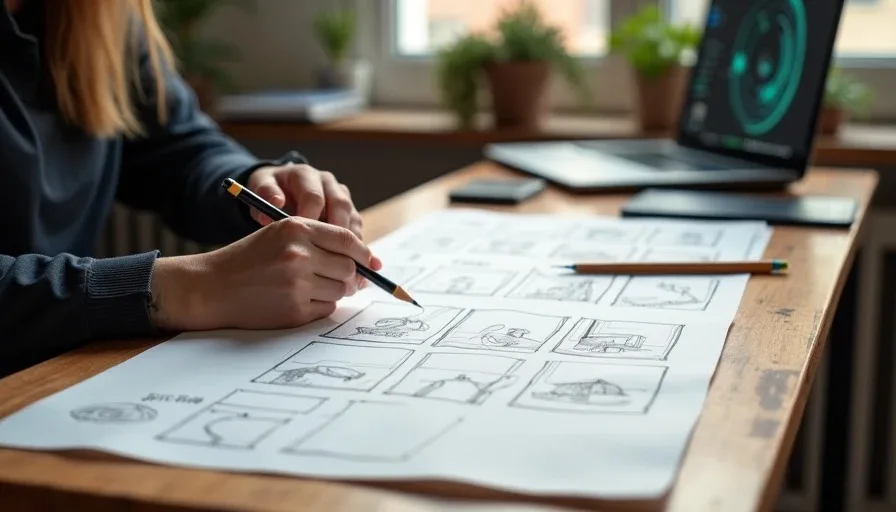
A shot list is a text document that specifies each shot's intent, size, movement, duration, and technical parameters. A storyboard is the visual sequence of frames. In AI production, the storyboard frames become the reference images the video model extends into motion. The shot list tells you what each frame needs to accomplish. The storyboard shows you what it looks like. You need both, but the shot list comes first.
How detailed should a shot list be for an AI video project?
Detailed enough that generation becomes mechanical. Each row should carry a shot number, shot size (wide, medium, close), camera movement if any, duration estimate, subject, and a one-line intent note. The most important column is intent — what the shot does, not what it looks like. If you can't write the intent line, the shot isn't ready to generate.
Why do my AI-generated frames look great individually but bad when I put them together?
Because individual frames can be beautiful without having any relationship to each other. Cutting between shots requires continuity of screen direction, eyeline, lighting, and motion logic. A frame that looks stunning in isolation can still be unusable if it violates the continuity established by the shots around it. The shot list — and reviewing the board as a sequence — is what catches these problems before you spend on video generation.
Is it worth writing a shot list for a short social media video, or just for longer projects?
Even more worth it for short content. A 30-second video might only have five shots. But those five shots have to carry the entire emotional arc of the piece. If each one doesn't have a clear job, the video has no structure. The shorter the piece, the less room there is for a shot that exists "just because it looks good."
What tools should I use to build a shot list before generating AI video?
A spreadsheet works. A plain text document works. The tool doesn't matter. What matters is that the document exists before you generate any images or video. Some teams use structured shot list templates with columns for shot number, size, movement, duration, subject, and intent. Others use a simple one-line-per-shot format. The format is less important than the discipline of writing it down before you touch a generator.