The first time you explore grok ai videos, the temptation is to chase the strangest, most cinematic result available. A motorcycle dissolves into smoke, a city folds in on itself, and a five-second clip looks ready for a trailer. Then you place it beside real footage in an edit and notice the problems: a drifting horizon, changing facial features, soft details, and movement that does not motivate a cut. The useful question is not whether a tool can generate a spectacular clip. It is whether the clip supports an idea, matches the surrounding shots, and saves time after revisions.
For independent filmmakers and YouTubers, that distinction matters. AI video is strongest when it helps you explore a visual direction, create a transitional image, or build a shot that would be expensive to capture. It is less dependable as a substitute for an actor, cinematographer, location, or editor. A good shot is not just generated. It is chosen.
What grok ai videos are good at
The most practical use is visual development. Before renting a camera or making a storyboard, you can use grok ai videos to test whether a scene feels intimate, eerie, kinetic, or restrained. Try a prompt such as: “A locked-off wide shot of an empty laundromat at 2 a.m., fluorescent light flickering once, slow rain visible through the front window, grounded documentary texture, no text.” The point is not to accept the first result. The point is to discover what the scene needs.
This approach helps with pitch decks, music-video treatments, YouTube intros, and short-film mood tests. It can also create inserts that do not require strict character continuity, such as clouds passing over a building, a close-up of a cracked screen, or an abstract reflection in a puddle. Those shots can bridge edits when practical coverage is thin.
Keep the shot brief and specific. A single camera action, one subject, and one lighting idea usually produce a more controllable result than a paragraph containing an entire plot. If the image needs a particular person, product, logo, or location, plan for extra cleanup and review. Generative systems often invent small details that become obvious when the camera moves.
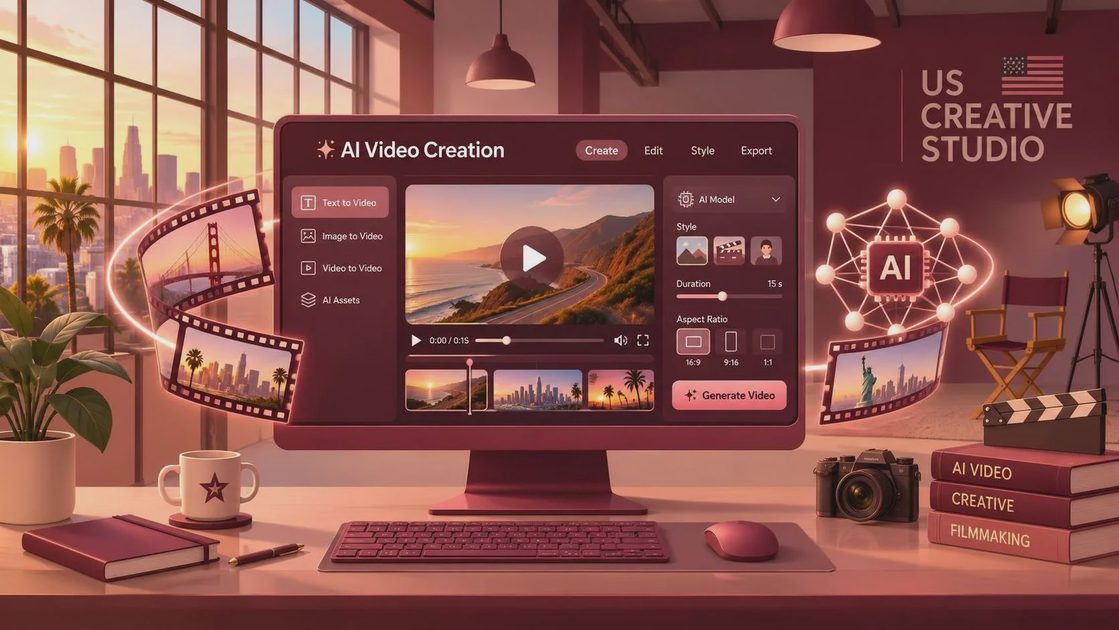
Prompting for a usable shot
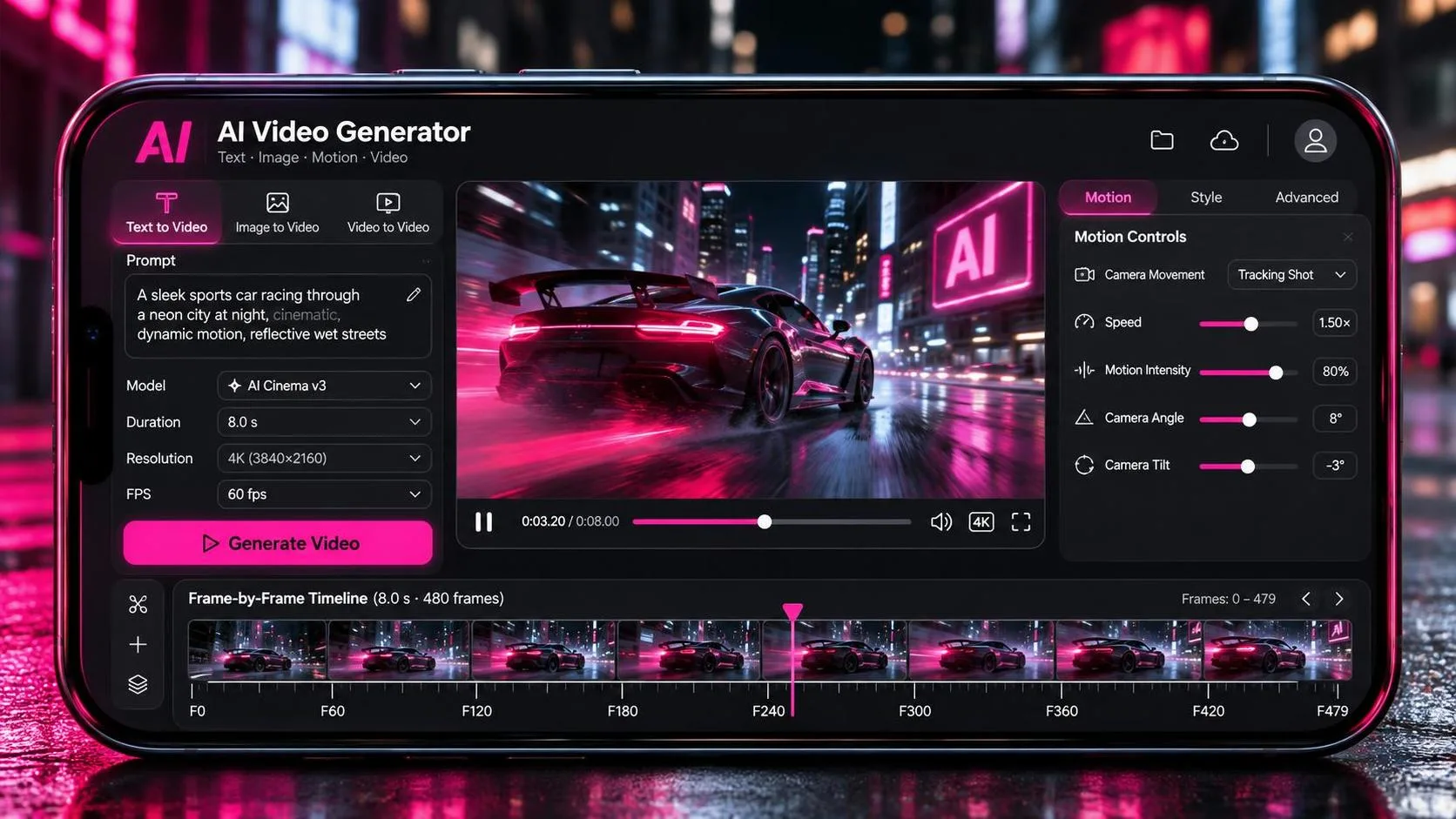
A filmmaker’s prompt should describe more than the subject. Include framing, lens impression, camera movement, lighting, environment, time of day, and the emotional purpose of the shot. “A woman walking” gives the model almost no visual direction. “Medium tracking shot, 35mm documentary feel, a tired commuter walks beneath warm sodium streetlights, handheld but controlled, shallow depth of field, she glances toward an arriving bus” gives you a starting grammar.
With grok ai videos, separate the prompt into three decisions. First, define what the audience must notice. Second, define how the camera observes it. Third, state what must remain stable. For example, you might ask for a red paper kite, a slow left-to-right pan, and an unchanging blue sky. This does not guarantee continuity, but it gives the generation a hierarchy.
Avoid stacking contradictory instructions. “Handheld and perfectly locked,” “slow motion and frantic movement,” or “soft focus with crisp readable text” creates competing priorities. Generate several variations, then revise one variable at a time. Change the camera move before changing the lighting. Change the subject action before rewriting the entire scene. That process makes failures easier to diagnose.
Make the demo survive the edit
The demo looks good. Now let’s see if it survives the edit. Download or export clips with the best available quality, then place them in a real timeline beside your practical footage. Check the first and last frames. Does the action enter cleanly? Is there enough stillness to cut from the previous shot? Does the movement point in a compatible screen direction?
For grok ai videos, continuity is often less about perfect identity and more about editorial concealment. Cut on motion, use a reaction shot between mismatched angles, or cover a transition with sound and a foreground object. A generated close-up of a hand opening a door can work as an insert even if the hand does not match the actor in the wide shot. A generated landscape can establish a location before you cut to a real interview.
Do not judge only at full-screen playback. Watch the sequence muted, because weak composition can hide behind music. Then listen without looking. If the sound design suggests a heavy object but the motion feels weightless, the audience may sense the mismatch. In many projects, practical room tone, footsteps, and a deliberate cut do more to sell a synthetic image than another round of prompt adjectives.
Where grok ai videos hand the problem back
Consistency remains the hard part. Faces, hands, readable signs, thin wires, reflections, and repeated props can change from frame to frame. Fast camera moves may introduce warping around limbs or architecture. Even an attractive clip can become unusable if a character’s jacket changes color between two shots that are supposed to be continuous.
That is why I would not build a dialogue scene around generated coverage unless I had a practical fallback. Shoot the performance when performance carries the scene. Use AI for an establishing image, a surreal memory, a title transition, or a visual effect that would otherwise require a large crew. This division protects the story while still giving a solo creator room to experiment.
Rights and disclosure also deserve a place in the workflow. Review the tool’s current terms before using generated material in paid client work, especially if the project includes recognizable people, branded elements, or copyrighted references. Keep prompt versions and exported files in the project folder. A client may ask how a shot was made, and a clean record is more useful than trying to reconstruct the process months later.
A repeatable creator workflow
Start with a shot list, not a blank prompt box. Mark each shot as essential, helpful, or experimental. Generate the experimental shots first, because they can reveal whether the visual language is worth pursuing. Then create two or three variations of the strongest concept rather than producing dozens of unrelated clips.
Next, name files by scene, shot, and version. “Scene03_Shot07_v02” is far easier to manage than a folder full of downloads called final or new. Select clips in an editing application such as DaVinci Resolve, Premiere Pro, or Final Cut Pro. Trim aggressively. A seven-second generation may contain only two useful seconds, and that is normal.
Finally, add real editorial decisions: a cutaway, a sound bridge, a color adjustment, or a practical texture layered over the image. These choices keep the work from feeling like a tool demonstration. The software supplies possibilities; you supply rhythm, context, and taste.
Should you use grok ai videos?
Use grok ai videos when you need fast visual exploration, a difficult insert, or a temporary image that helps you communicate an idea. Be cautious when your project depends on exact continuity, authentic human performance, legible text, or repeatable camera coverage. Test one scene before planning an entire production around it.
The best result is rarely the most dazzling generation. It is the clip that has a clear job in the cut, matches the scene around it, and survives a second viewing. Treat AI as another instrument in the kit, alongside a camera, tripod, microphone, and editing timeline. A good shot is not just generated. It is chosen.
You Also Like