The best ai for image generation is not automatically the tool that produces the most dramatic single image. For filmmakers, YouTubers, and visual artists, the better question is whether the system helps you develop a repeatable visual idea, preserve continuity, and move from a rough prompt to a usable storyboard or finished graphic. A beautiful image is only the first frame of the process. The real test begins when you need three more angles, a matching character, or a thumbnail that still reads at phone size.
I look at these tools the way I look at cameras and lenses: through the finished project. A model that creates stunning fantasy art but cannot maintain a subject's clothing is less useful for a documentary pitch than a less flashy system with dependable editing controls. The best ai for image generation depends on the job, your tolerance for revision, and whether you need speed, authorship, or both.
What makes an image tool useful for creators?
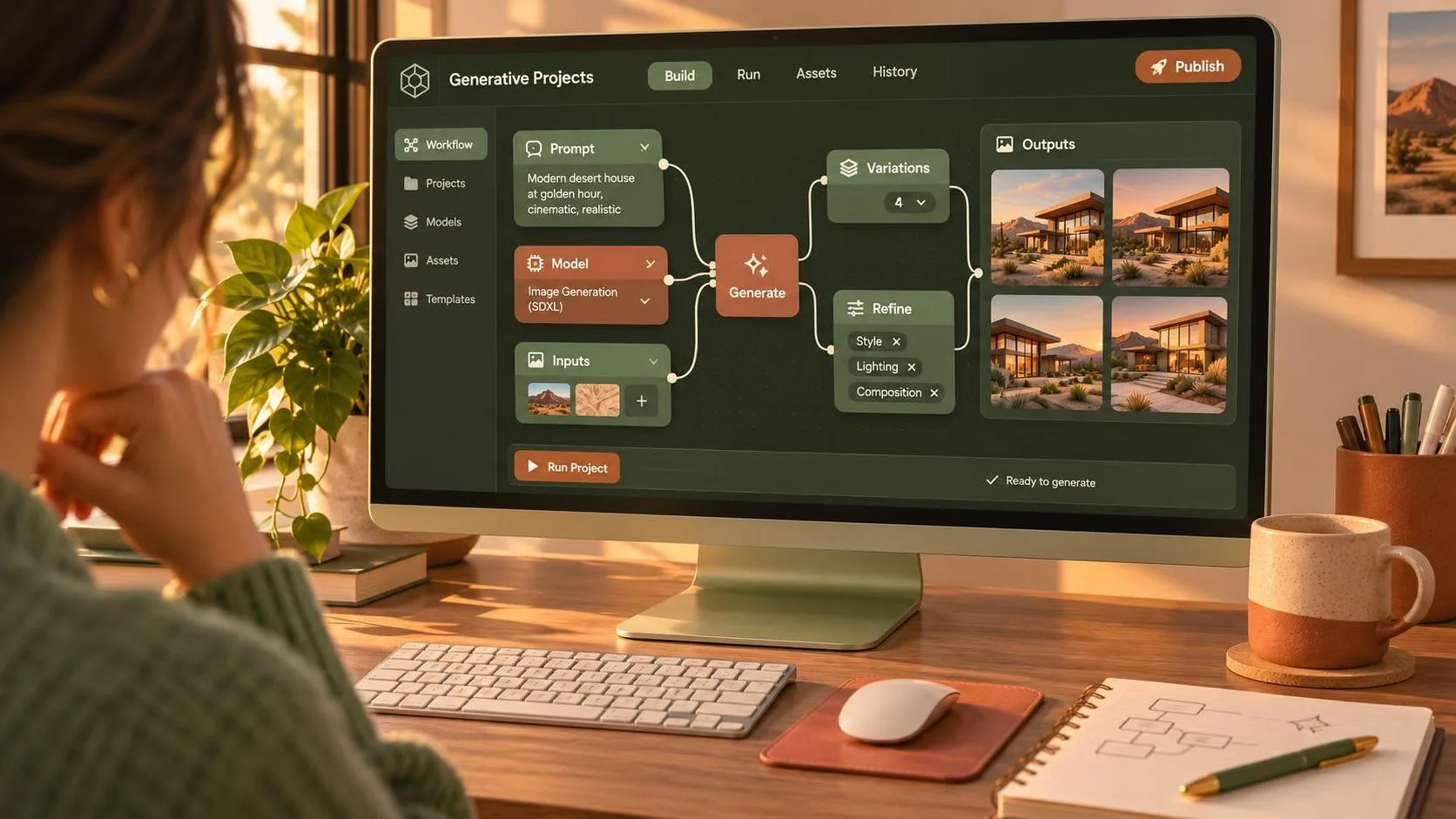
Start with control rather than novelty. A practical image generator should let you describe subject, action, lens impression, lighting, composition, and mood without turning every revision into a completely different scene. Text-to-image is useful for discovery, but image-to-image, masking, reference images, and regional editing are what make a tool valuable inside production.
For a short film, I might need a wide establishing frame, a medium shot, and a close-up that feel as though they belong in the same world. That requires more than attractive color. Look for control over aspect ratio, seed or variation behavior, reference strength, and inpainting. You also want clean exports at a resolution suitable for a deck, pitch packet, or social post.
The interface matters, too. Midjourney is often appealing for fast visual exploration and polished style development. Adobe Firefly can fit naturally into workflows already built around Photoshop and Creative Cloud. Stable Diffusion-based tools offer deep customization, especially for users willing to manage models and settings. Ideogram is often useful when an image needs readable text, such as a poster concept or title treatment. These are different strengths, not a universal ranking.
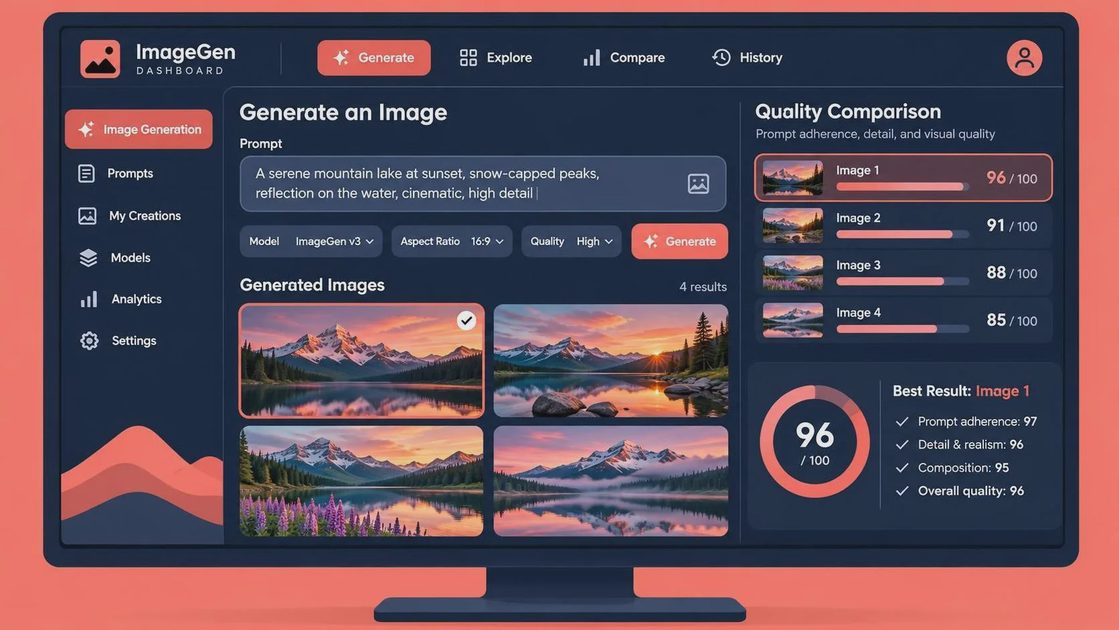
The best ai for image generation by project type
For storyboards, choose consistency and speed over painterly detail. You need clear staging: who stands where, what the camera sees, and how the action progresses. A simple prompt such as “wide shot of a cyclist entering an empty parking garage at dawn” is a starting point, not a storyboard. Add camera height, direction of movement, light source, and negative instructions about clutter. Generate several options, then select the frame that communicates blocking most clearly.
For concept art, visual range matters more. Midjourney, Firefly, and Stable Diffusion workflows can all help explore production design, locations, wardrobe, and atmosphere. At this stage, imperfect continuity is less damaging because you are asking, “What could this world feel like?” rather than promising a final frame. Save prompts and reference images as you work. A style that exists only in a browser history is difficult to reproduce during a client revision.
For YouTube thumbnails, composition and legibility beat subtle realism. The subject should be recognizable at a small size, with open space for headline text and a strong light-dark separation. Test the image beside the actual title, not in isolation. The best ai for image generation for thumbnails is the one that gives you a clear subject quickly and lets you correct hands, props, faces, or unwanted background details without starting over.
Comparing popular tools without falling for the demo
A useful comparison starts with the same brief. Try one prompt across two or three systems: “cinematic interior, lone editor at a desk before sunrise, practical lamp, 35mm perspective, restrained color, negative space on the left.” Then test four things: composition, repeatability, editing control, and export quality.
Midjourney may get you to an evocative look quickly, but you still need to manage variations and references carefully when a project demands continuity. Firefly is attractive when your process already includes Photoshop, generative fill, and layered finishing. Stable Diffusion interfaces can reward technical users with extensive model and control options, though setup and troubleshooting take time. Ideogram has a useful place in designs where words inside the image must remain readable, although typography still deserves a final pass in a design application.
Pricing changes, and plans often differ by generation limits, commercial terms, speed, and private creation options. Before committing $10 to $60 or more per month, run a real production test. Make five related images, revise one, remove an object, and export the result. The demo looks good. Now let’s see if it survives the edit.
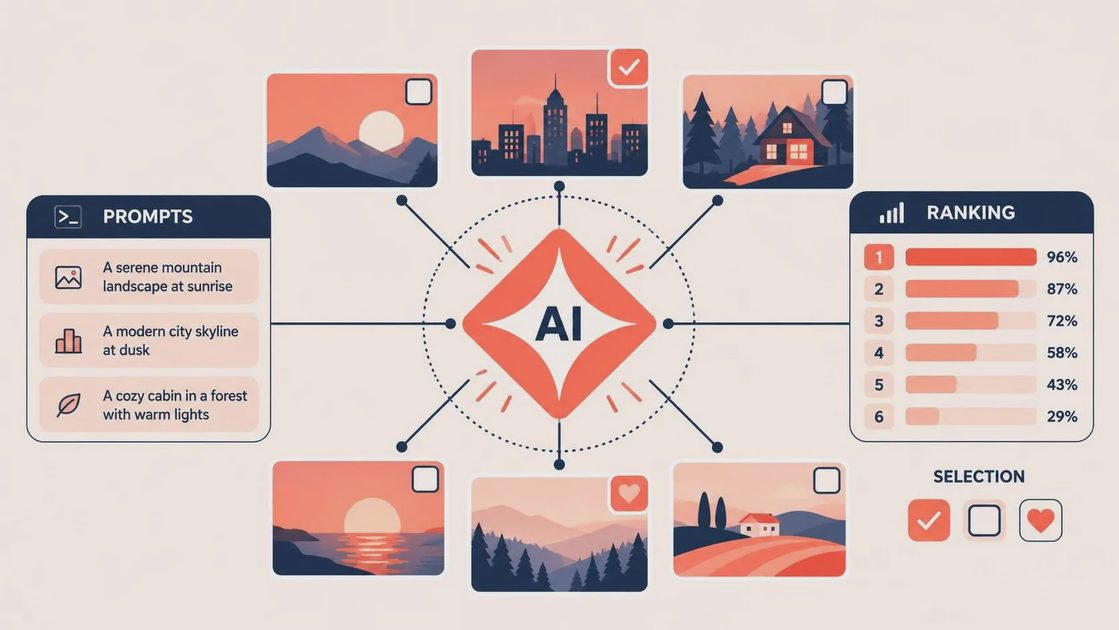
A prompt workflow that produces usable frames
I use a five-part prompt structure: subject, action, composition, visual treatment, and constraints. For example: “A tired documentary editor labeling hard drives, seated in a small Minneapolis apartment, medium profile shot, eye-level camera, cool window light mixed with a warm desk lamp, realistic production still, uncluttered background, no visible logos.” The location gives the image a lived-in quality; the camera language gives it editorial direction.
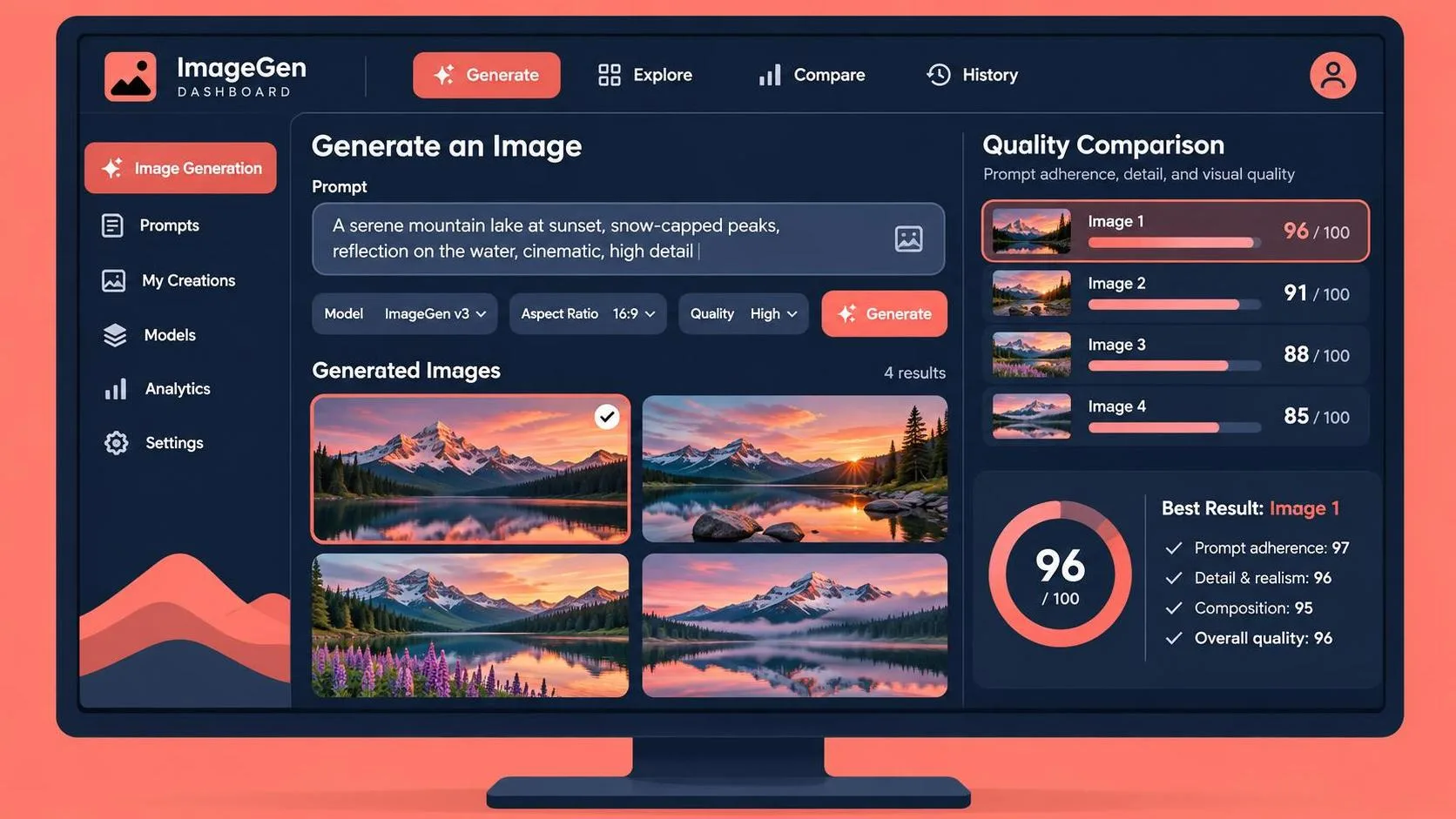
Generate a broad set first, perhaps 12 to 20 images, then narrow the field. Do not endlessly refine a weak composition. If the subject is too small or the eyeline is wrong, rewrite the prompt or change the reference image. Once the frame works, use editing tools to fix specific issues: a strange hand, an extra cable, a warped label, or a background object competing with the subject.
Keep a simple production log. Record the tool, model, prompt, reference image, aspect ratio, and useful settings. For a paid client, also save the original output and your edited version. This makes approvals clearer and gives you a reproducible path when someone asks for a vertical crop, a clean plate, or a matching alternate frame.
Where image generators still hand the problem back
Generated images often struggle with continuity, readable small text, exact product details, and believable physical relationships. A person holding a cup can look convincing until the handle changes sides between frames. A branded object may become a near-copy with incorrect markings. Reflections, jewelry, fingers, and repeated patterns deserve close inspection at full size.
There are also authorship and rights questions. Read the current terms for your chosen service, especially when work is commissioned, trained on references, or intended for advertising. Avoid uploading confidential client material unless the service and your agreement support that use. When a real person, recognizable property, or protected character is involved, treat the result as a concept requiring appropriate review, not a shortcut around permission.
This is where the best ai for image generation is not always the most automated option. A local or highly configurable workflow may take longer but give you more control. A cloud tool may be ideal for a fast pitch image. The right choice follows the risk and purpose of the project.
My practical recommendation for a first test
Choose one tool that matches your existing workflow, not five tools that create five disconnected piles of images. If you live in Photoshop, test Firefly alongside your normal retouching process. If you want rapid style exploration, try Midjourney. If you enjoy technical control and have a capable computer, investigate a Stable Diffusion workflow. If your concept depends on words inside the frame, include Ideogram in the comparison.
Give each system the same brief and a two-hour limit. Produce one location frame, one character variation, one thumbnail, and one edited revision. Score each result for composition, consistency, control, speed, and cleanup time. The best ai for image generation will reveal itself through the whole sequence, not through the one image you proudly post online.
AI can supply options faster than a small creative team, but it cannot decide which option serves the story. Use it to explore, clarify, and remove repetitive work. Then bring your own eye to selection, framing, and revision. A good shot is not just generated. It is chosen.
You Also Like